What is a one-way video interview?
A one-way video interview is a job interview where the candidate records their answers on video instead of talking to an interviewer live. The hiring team writes the questions in advance and gives each one a time limit. Each candidate gets a link, reads one question at a time, records an answer, and submits the interview before a deadline. The team watches the answers later, when it suits them.
You will also see it called an asynchronous, async, pre-recorded or on-demand video interview. They all mean the same thing: the candidate and the interviewer don’t need to be available at the same time.
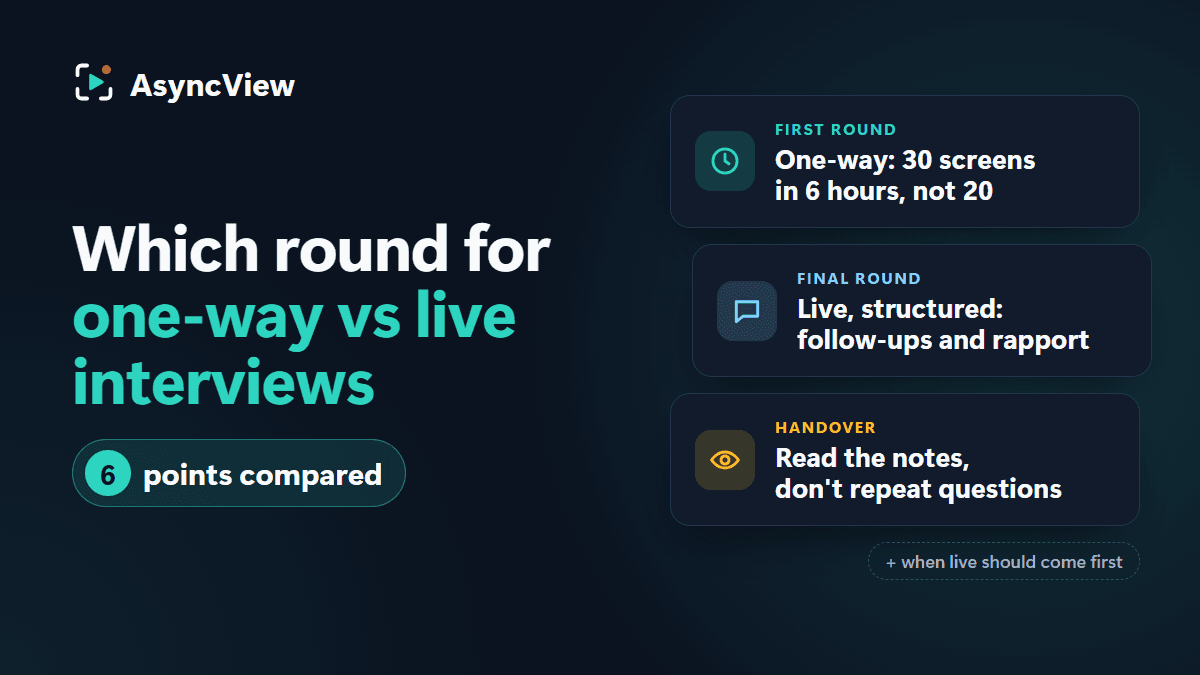
It is not a replacement for meeting people. Most teams use one-way interviews for the first round, often the second, and keep a live conversation for the final stage, when both sides need to ask follow-up questions.
How it works, step by step
For the hiring team:
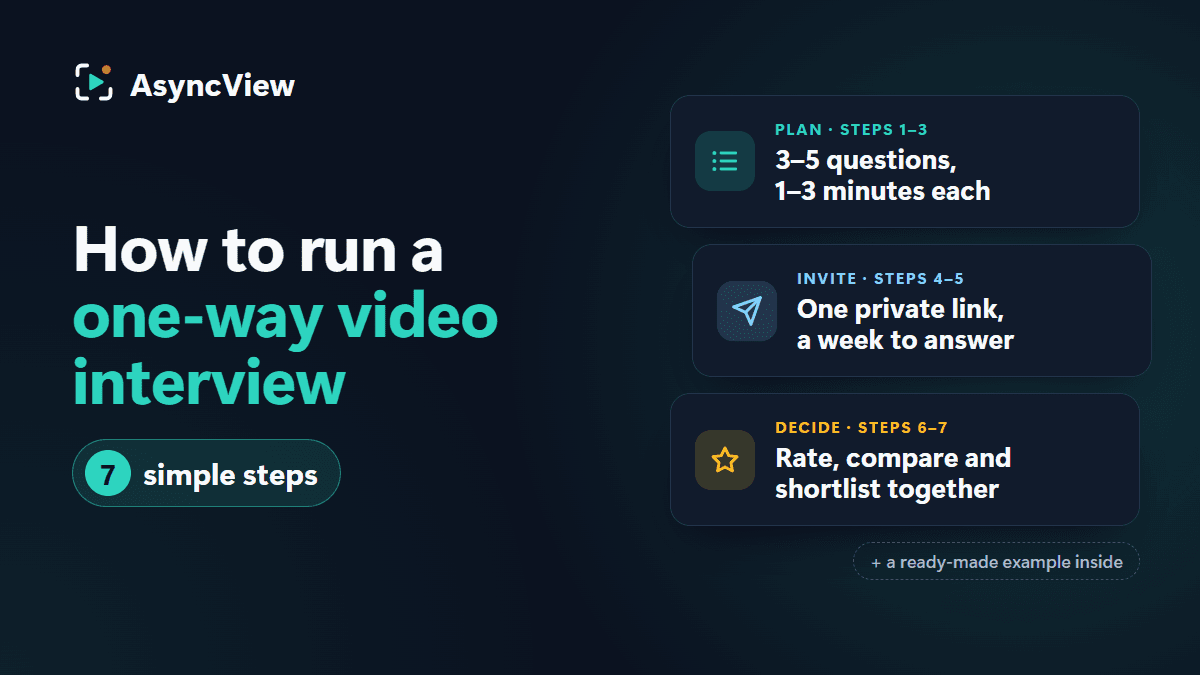
- Choose the questions. Three to five questions for a first round, each with a time limit of 2 or 3 minutes.
- Set a deadline. About a week is typical; two or three days for hourly roles.
- Invite candidates. Each person gets their own private link by email. Reminders go out before the deadline.
- Review the answers. Watch at up to double speed, rate each answer and leave notes for your colleagues.
- Decide. Compare everyone’s ratings, shortlist the people to meet and let every candidate know the outcome.
For the candidate:
- Open the invite link. There is usually nothing to install and no account to create.
- Read the instructions, the number of questions and the deadline.
- Check the camera and microphone, and answer a practice question that isn’t saved.
- Record one answer per question. A countdown starts each recording, and it stops when the time is up.
- Submit, and get a confirmation that the interview arrived.
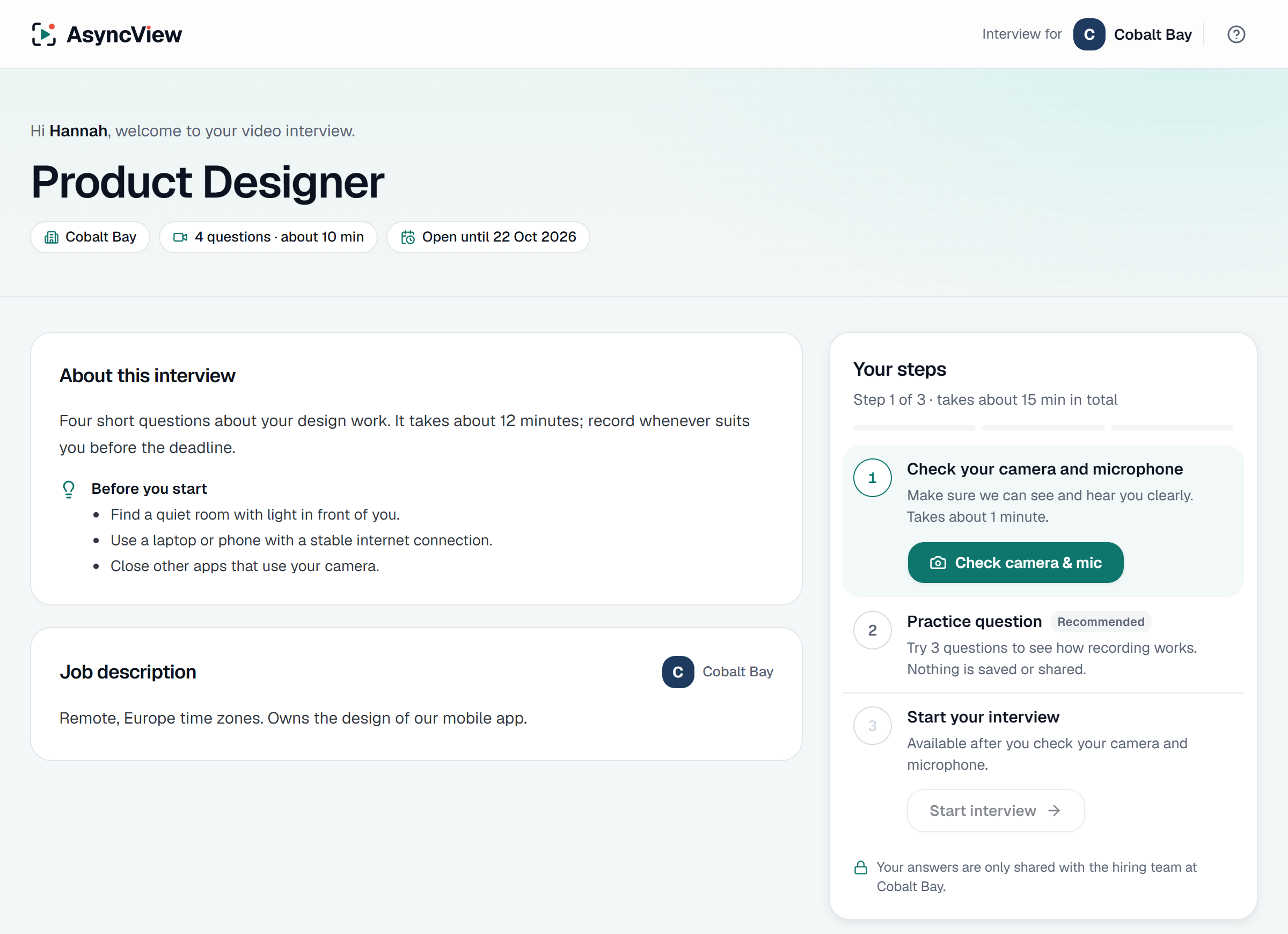
See every step in more detail, with real screens, on how it works.
The benefits
For hiring teams:
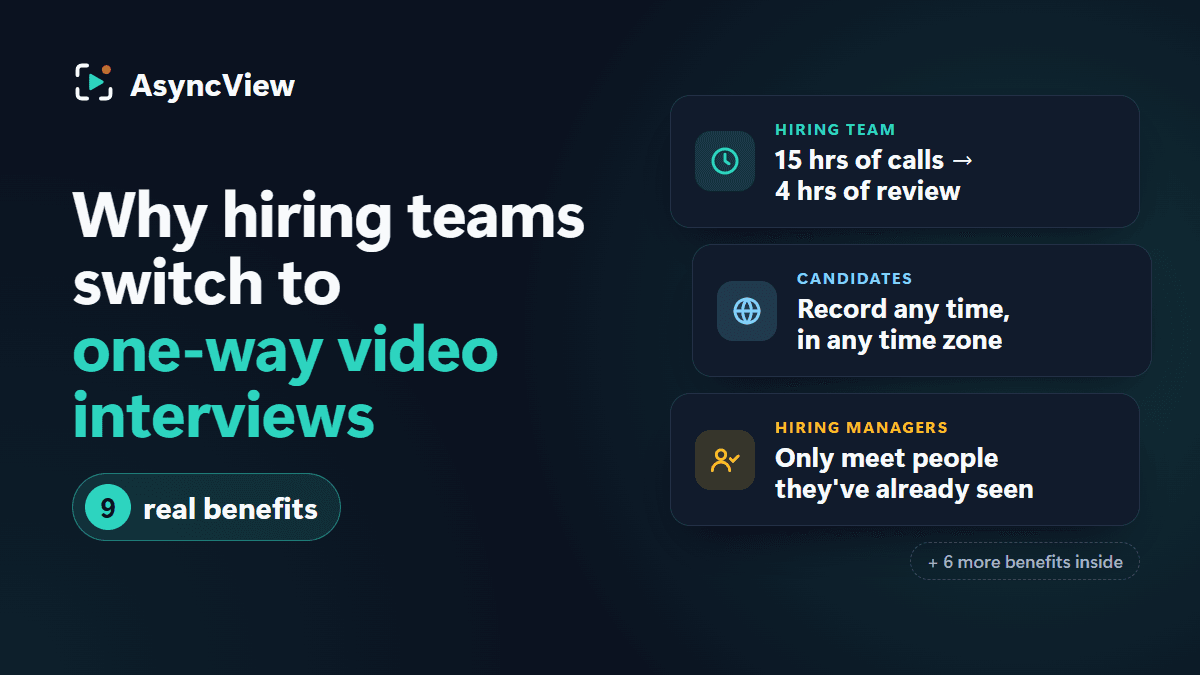
- No scheduling. One link replaces the back-and-forth of booking first-round calls.
- Less time per candidate. A four-question interview with 2 to 3 minute answers takes about five minutes to watch at 2×, instead of a 30-minute call.
- The same questions for everyone. Every candidate answers the same questions in the same order with the same time, which makes them easier to compare fairly.
- Better team decisions. Several people can watch the same answers and rate them on their own, without arranging a panel.
- Faster hiring. Everyone can be invited on day one, so the first round finishes in days instead of weeks.
For candidates:
- They choose when to record, around their current job, family or time zone.
- They get a practice question and can check their set-up first.
- They don’t have to take time off work for a first-round call.
For the numbers behind this, read how one-way interviews cut hiring costs and how they reduce time-to-hire.
The drawbacks, and how to handle them
One-way interviews aren’t right for every situation, and some candidates dislike them. Most of the common problems come from how the interview is set up, not the format itself.
| Drawback | What helps |
|---|---|
| It feels impersonal | A short, friendly note in the invite explaining why you use video and how long it takes |
| No follow-up questions | Clear, specific questions; keep the conversation for the next round |
| Nerves on camera | A practice question that isn’t saved, and time limits that aren’t too tight |
| Technical problems | A device check before recording, and moving the deadline for anyone who had trouble |
| Long interviews put people off | Three to five questions, about 15 minutes in total |
| Some people need adjustments | Offer longer time limits, a later deadline or another format to anyone who asks |
Read the full benefits and trade-offs.
One-way vs live video interviews
| One-way | Live | |
|---|---|---|
| Scheduling | None | A slot for every candidate |
| Questions | The same for everyone | Vary by interviewer |
| Follow-up questions | No | Yes |
| Reviewers | The whole team, in their own time | Whoever is on the call |
| Best for | First and second rounds, high volume, time zones | Final rounds and senior roles |
Most teams use both: one-way to hear from everyone, live to get to know the shortlist. The full comparison is in one-way vs live video interviews.
How to run a good one-way interview
- Agree what the role needs. Write down three or four things the first round must find out, such as how someone explains a problem or handles a difficult customer.
- Write one question per need. Ask about real past situations. See interview questions by role for ready-made sets.
- Set the time limits. 2 minutes for motivation or factual questions, 3 for a story. Keep 4 or 5 minutes for the one question that needs it.
- Write a short, human invite. Say who you are, why you use video, how long it takes and when it closes.
- Pick a sensible deadline. About a week; shorter for hourly roles where people move fast.
- Agree how you will score. For each question, decide what a weak, good and strong answer sounds like before anyone watches.
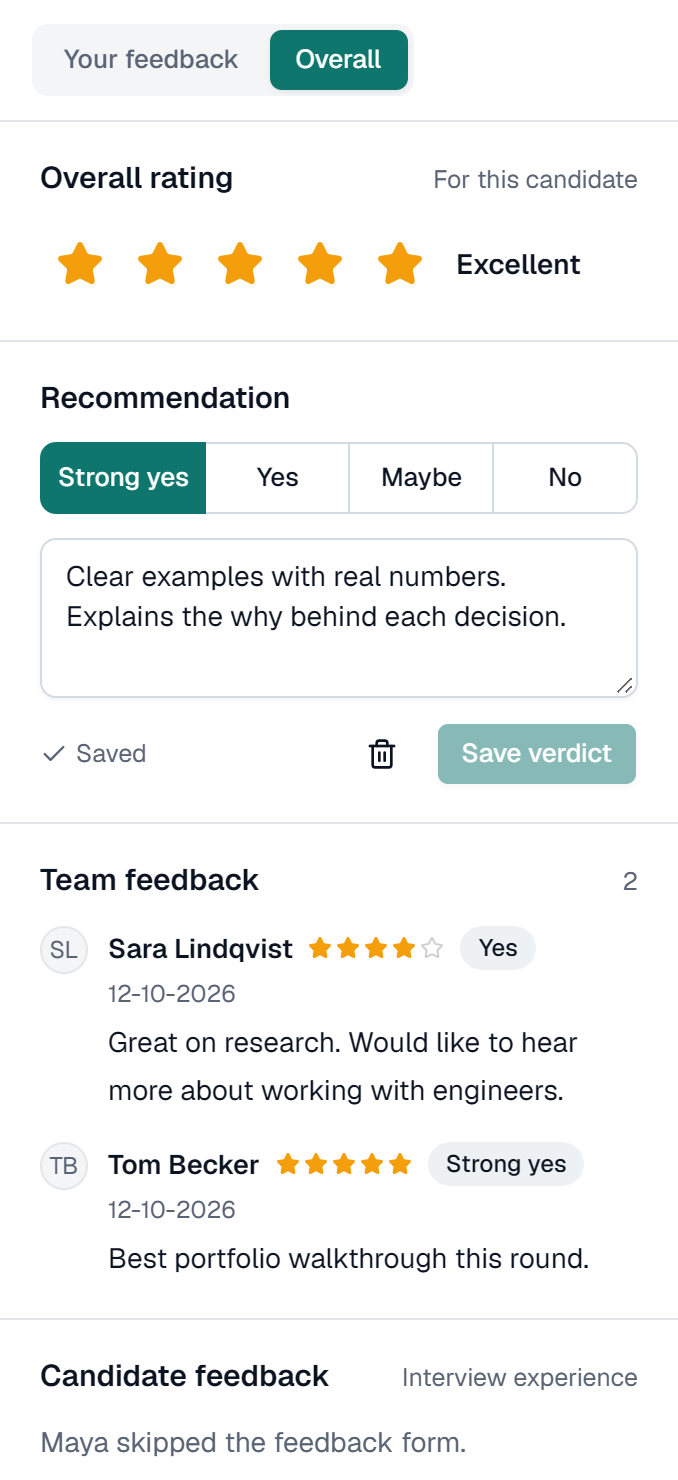
- Review independently, then compare. Each reviewer rates on their own first, then you look at everyone’s ratings together.
- Close the loop. Tell every candidate the outcome, ideally within a week of the deadline.
For a longer walkthrough, read how to run a one-way video interview and tips for recruiters.
What to ask
Good one-way questions can be answered without a follow-up. They ask about something specific, so the answer can’t be a general statement. Three kinds work well together:
- Past behaviour: “Tell us about a time you had to deal with an unhappy customer. What did you do?”
- Motivation: “What made you apply for this role, and what would you want to work on first?”
- The work itself: “How would you explain our product to someone who has never heard of it?”
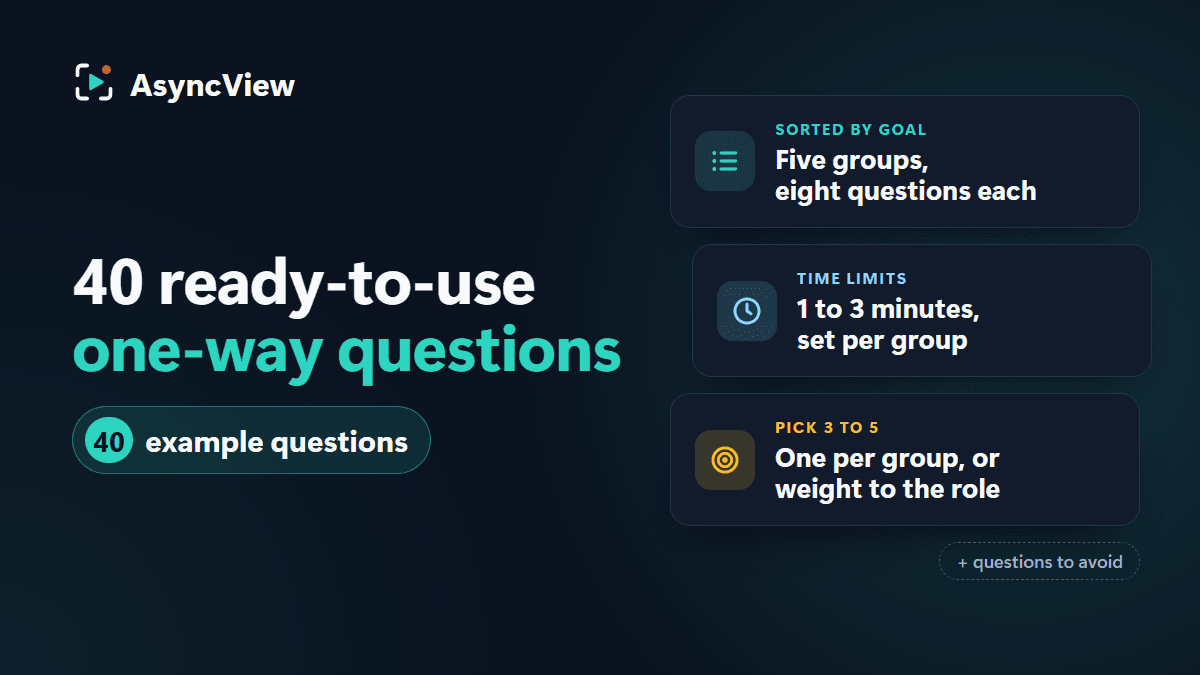
Avoid yes-or-no questions (put those on your application form), questions that need a long technical answer, and anything personal that isn’t about the job. For 40 tested examples, see one-way interview questions, and for role-specific sets, browse interview questions by role.
Reviewing answers fairly
A one-way interview is only as fair as the way it is reviewed. The format gives you consistency: the same questions, the same time, and answers you can watch again. Use it:
- Score against agreed anchors, not against the previous candidate.
- Rate each answer on its own, then give an overall verdict.
- Save your rating before reading your colleagues’, so the first opinion doesn’t set everyone else’s.
- Write notes about the answer, not the person: what they said and how it meets what the role needs.
- Ignore the background, lighting and camera quality. They say nothing about how well someone will do the job.
What candidates need to know
If you are a candidate, a one-way interview is a chance to give your best answer in your own time. A few things help:
- Find a quiet room with light in front of you, not behind.
- Use a laptop if you can; a phone works too.
- Do the practice question, even if you feel ready.
- Take a breath before each answer, and answer the question that was asked.
- Don’t leave it to the last hour before the deadline.
More advice in one-way video interview tips. You can also try a practice interview (opens in a new tab) to see what it’s like, and if you were invited through AsyncView, the candidate help pages explain every step.
Privacy and consent
A video interview records personal data, so treat it with care. Whatever software you use:
- Tell candidates why you are recording, who will watch, and how long you will keep the recordings.
- Only let the people involved in the hire see the answers.
- Keep recordings no longer than you need them, and delete them when asked where the law requires it.
- Check the rules where you and your candidates are, such as GDPR in the UK and EU.
This is general guidance, not legal advice. If you are unsure what applies to you, ask a qualified adviser.
Choosing one-way video interview software
Most tools do the basics. The differences that matter show up in daily use:
- The candidate side: take the interview yourself, on a laptop and on a phone.
- The review screen: how quickly can your team watch, rate and compare?
- Pricing: per seat, per interview or per job, and how it grows with your hiring.
- What it doesn’t do: check for the features you need, such as integrations or AI scoring, rather than assuming.
Our checklist for choosing a video interview tool covers twelve things to test. If you are looking for a specific use, see video screening, high-volume hiring, remote hiring, recruitment agencies or small businesses.
AsyncView is free for your first 5 interviews. See pricing and every feature.
Last updated 16 October 2026.