How to run a one-way video interview: a step-by-step playbook
Everything you need to run your first one-way video interview: how it works on both sides, seven steps from blank page to shortlist, a ready-made example and the mistakes to avoid.
Most hiring teams don't need convincing that phone screens eat time. What they want to know is how to actually run a one-way video interview without it feeling cold to candidates or turning into a new pile of admin.
This is the practical version. We'll cover what a one-way video interview is and how it works from both sides, then walk through seven steps from a blank page to a shortlist. At the end there's a complete example you can copy for your first role.
What is a one-way video interview?
A one-way video interview is a short set of questions that candidates answer on video, on their own, before a deadline. Nobody is on the other end while they record. Your team watches the answers later and decides who moves forward.
Some people call it an async interview, a recorded interview or simply video screening. The idea is the same: the first conversation goes in one direction, and the back-and-forth comes later, for the people who earn it.
It works best where a phone screen would normally sit: early in the process, when you want to hear how someone thinks and communicates before giving them an hour of a manager's time. If you're still weighing up whether it's worth it, we've covered the benefits of switching in a separate article.
How it works: your side and the candidate's side
On your side
Write your questions and give each one a time limit.
Set a deadline for the interview.
Add candidates one at a time, or paste in a list of names and emails.
Get an email and an in-app alert as answers come in.
Watch, rate and decide with your team.
On the candidate's side
They open a private link from their email. There's no account to create and no app to install.
A start page tells them the role, the number of questions, the expected time and the closing date.
A quick check confirms their camera, mic and internet are working. Then a warm-up question lets them rehearse, and the warm-up isn't recorded.
Questions come one by one. A five-second countdown starts each answer, with on-screen warnings when 30 and then 10 seconds remain.
They submit and get a confirmation email straight away.
Knowing exactly what the candidate sees makes you better at writing the questions and the invitation, so send your first interview to yourself before anyone else. You can also see both sides, with screenshots, on the how it works page.
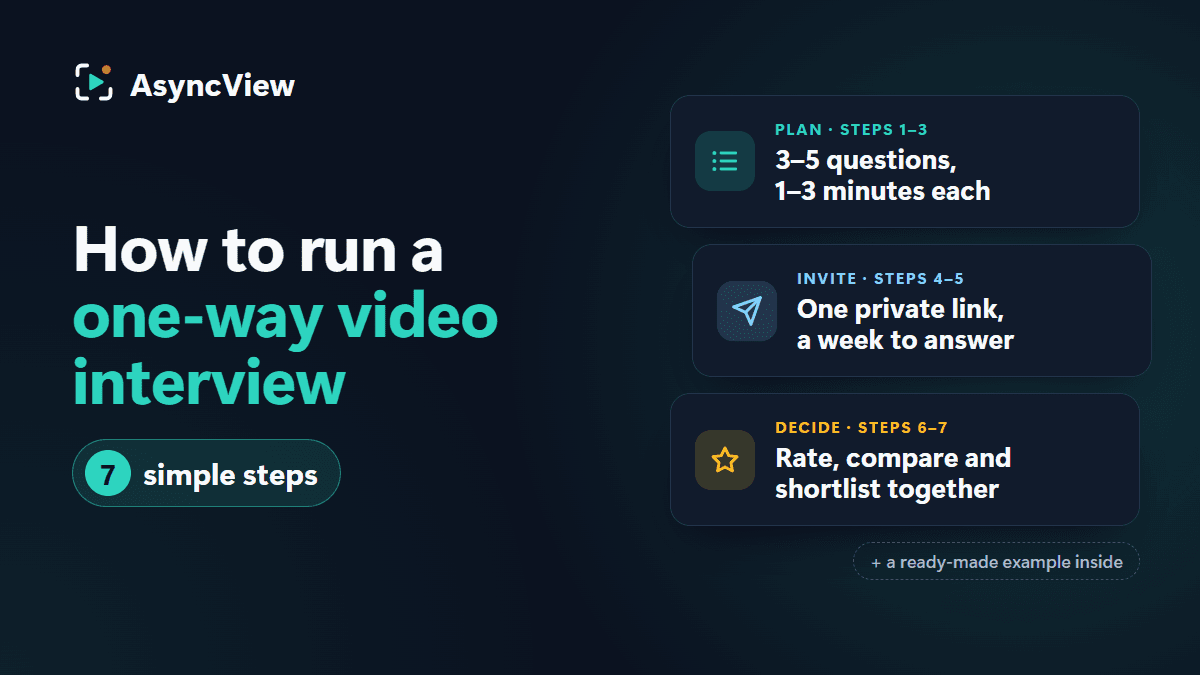
How to run a one-way video interview in 7 steps
Step 1: Decide what this round needs to tell you
Before you write a single question, finish this sentence: "After this round, we'll move someone forward if…"
For a customer support role, it might be: they explain things clearly, they stay calm with an upset customer, and they actually want a support job rather than any job. Two or three things is enough. Everything else can wait for the live round.
Step 2: Keep it to three to five questions
Turn each of those things into a question. A good mix is one about motivation, one about past experience and one situational question ("What would you do if…?"). Only add a fourth or fifth if it earns its place. Short of ideas? Our bank of one-way interview questions has 40 to borrow from.
Ask one thing per question. "Tell us about yourself, your experience and why you applied" is three questions squeezed into one, and you'll get a rushed answer to all three.
Leave facts to the application form. "How many years of Excel do you have?" doesn't need a video.
Write the way you speak. Read each question out loud. If it sounds stiff to you, it'll sound stiff to the candidate.
Save the questions as a question set. Next time you hire for the role, you import it in one go, and everyone on your team can use the same set.
Step 3: Set time limits that fit each question
Match the limit to what you're asking:
Motivation questions: about one minute.
"Tell us about a time…" questions: about two minutes, because stories need a beginning, a middle and an end.
Situational questions: two to three minutes.
A limit is a ceiling, not a target. Good answers often finish early. Aim to keep the total recording time under about 12 minutes, so the whole interview, set-up included, fits comfortably into a coffee break.
Step 4: Write a short note to candidates
This is the difference between a process that feels cold and one that feels considerate. In AsyncView you add it to the interview itself, and candidates see it under "About this interview" on the start page before they record. The invitation email AsyncView sends is short and standard (the link and the closing date), so if you'd like the note in their inbox too, send it yourself a little ahead. Cover four things: the role, the reason you're asking for video, the time it takes and what happens afterwards. For example:
Hi, thanks for applying for the Customer Support Specialist role. Instead of a phone call, we'd like you to answer four short questions on video, whenever suits you before next Friday at 6pm. It takes about 15 minutes. You'll get a camera check and a practice question first, and the practice isn't recorded. Our team watches every answer, and we'll get back to you within a week.
Keep it that short (there are more versions in our invitation email templates). People skim invitations, so the important parts (how long, by when, what next) should be impossible to miss.
Step 5: Pick a deadline and send the invites
About a week is right for most roles. People need time to fit it around work, but give them a month and it slides to the bottom of their list.
Once you send the invites, each candidate gets their own private link. AsyncView emails a reminder two days before the link closes and again the day before, so you don't have to chase anyone. Keep an eye on who has started and who hasn't. Someone you're keen on needs a few more days? Add a week to their deadline with a single click.
Step 6: Agree what a good answer looks like, then review
This is the step teams skip, and it's the one that matters most for fairness. Before anyone presses play, jot down a sentence for each question on what a strong answer contains. For "A customer is angry because they were charged twice. Walk us through your reply", that line might be: acknowledges how they feel, takes ownership, gives a clear next step and doesn't blame anyone.
Then review with that line in front of you:
Review in one or two sittings, not in scattered five-minute gaps. Your standard stays steadier that way.
Rate before you read anyone else's ratings. In AsyncView, each reviewer gives every answer their own one to five stars. Fill yours in before reading the team's, so the first opinion doesn't steer the rest.
Speed up where it helps. Longer answers are easy to follow at 1.25× or 1.5×. Playback runs anywhere from half speed to double speed, and the arrow keys (or J and K) jump between questions.
Write notes your teammates can use. "Great example about handling a refund, around 1:10" is useful. "Seemed nice" isn't.
Step 7: Decide together, then tell everyone
Each reviewer gives an overall recommendation: Strong yes, Yes, Maybe or No. With everyone's ratings and notes side by side, most decisions are obvious. Only spend discussion time on the candidates where reviewers disagree.
Shortlist the people you want to meet. Be sure before you reject someone, because in AsyncView a rejection is final.
Then reply to every candidate, including the ones you're not taking forward. Someone who spent 15 minutes recording answers for you deserves better than silence, and how you end the process shapes how candidates talk about your company.
Example: a one-way interview for a customer support role
Here's a complete interview you can copy. Swap the questions for your own role, but keep the shape: motivation, a real example, a scenario and a working habit.
What drew you to customer support, and to our company in particular? (1 minute)
A strong answer gives specific reasons and shows they know what we actually do.Tell us about a time you helped someone who was frustrated. What did you do? (2 minutes)
A strong answer uses a real example, shows they listened and ends with a clear outcome.A customer is angry because they were charged twice. Walk us through your reply. (2 minutes)
A strong answer acknowledges the feeling, takes ownership, gives a next step and blames no one.How do you keep track when you're handling several conversations at once? (1 minute)
A strong answer describes a concrete method, not just "I'm organised".
That's no more than six minutes on camera, and a deadline seven days out.
Common mistakes, and how to fix them
Treating it like a written exam. Ten questions is a test, not a first round. Cut back to the three to five that match step 1.
Trick questions. Brainteasers and "sell me this pen" tell you who is good at brainteasers. Ask about real situations from the job instead.
A bare invitation. A link with no context reads like a chore. Use the four-part note from step 4.
Judging the set-up instead of the answer. Lighting, background, accent and how polished someone looks on camera aren't the job. Rate what they say.
No deadline, or a very long one. Open-ended interviews drift. A week, with reminders, keeps things moving.
When to use a live interview instead
A one-way interview is a first step, not the whole process. Go straight to a conversation for senior and specialist hires, who expect to talk to a person and will tell you more in one. Always keep a live final round, where the candidate talks with the hiring manager and puts their own questions. And if a candidate asks for an alternative, for example because of a disability, offer one without fuss.
Frequently asked questions
How long should a one-way video interview take?
About 10 to 15 minutes for the candidate, including the set-up check and practice question. Stick to three to five questions, with a minute or three for each, and you'll stay in that range.
Can candidates re-record their answers?
In AsyncView, no. Each answer is recorded once, which keeps things equal for everyone. The practice question beforehand is there so nobody's first real answer is also their first time speaking to the camera.
What if a candidate's camera or internet fails?
The set-up check catches most problems before anything is recorded. If the page reloads partway through, the candidate continues from the next unanswered question. If something still goes wrong, you can extend their deadline so they can finish.
Do candidates need to download anything?
No. They record in the browser on a laptop or phone, using the private link from their email.
Can more than one person review the same interview?
Yes. Everyone in your company can watch the answers, give their own ratings and leave private notes, and all the feedback sits side by side.
The quickest way to get comfortable is to try it on yourself. Create an interview with the four example questions above, send the link to your own email and record your answers. Fifteen minutes later you'll know exactly what your candidates will see, and what you want to change before you send it to them.