Shortlists get second-guessed
A client reading a CV and your notes has to take your word for it. Putting a face and a voice to the shortlist builds trust faster.
Screen candidates on video before you put them forward, then send your client a private link to watch their answers. Clients see the person, not just your write-up.
Clients want to know how a candidate comes across before they give up an hour for an interview. Agencies want to show that, without booking every candidate in twice.
A client reading a CV and your notes has to take your word for it. Putting a face and a voice to the shortlist builds trust faster.
Across several roles and clients, first-round calls fill every recruiter’s week before anyone is put forward.
When a client meets someone who isn’t right, it costs them an hour and costs you credibility.
Run the first round as a one-way video interview, review with your team, and send your client a link to watch the candidates you recommend.
Send a private link that shows a candidate’s answers. No account needed, and it closes after 3, 7, 14 or 30 days, or when you turn it off.
Clients watching a share link don’t see your team’s ratings or notes, or the candidate’s email address.
Save a question set for each client or role type and import it into every new vacancy in seconds.
Add every recruiter as a user on any plan. You pay for interviews, not for headcount.
Every candidate for a role answers the same questions, and every recruiter rates on the same 1 to 5 scale.
Keep each vacancy as a job, and filter and search interviews by job, status and deadline.
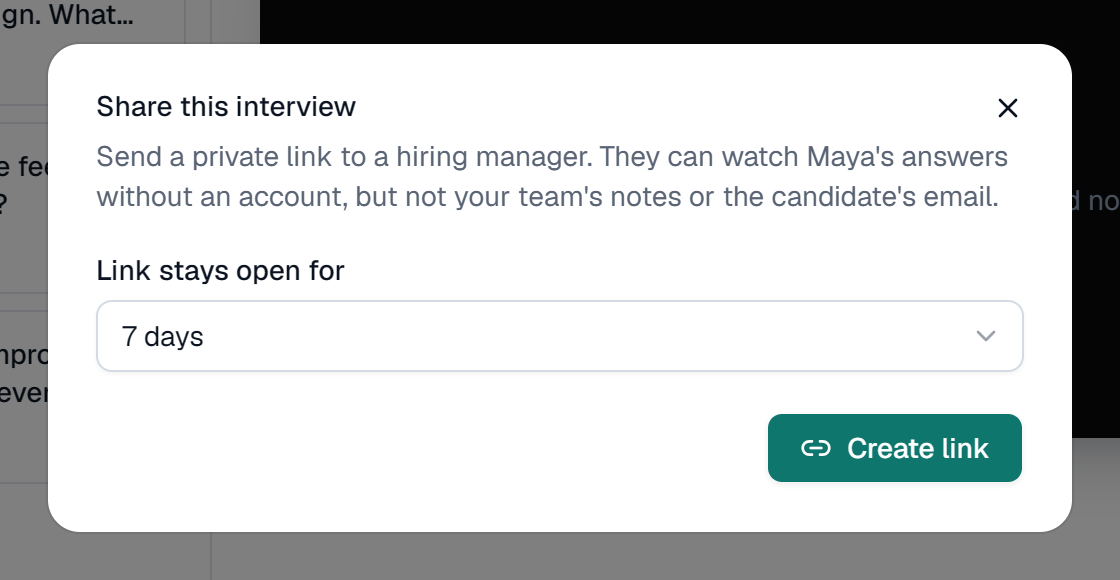
A real screen, shown with a demo company and invented candidates.
An agency’s value is its judgement: knowing which three candidates out of thirty are worth a client’s time. A recorded first round lets you show that judgement, not just describe it. Instead of a CV and a paragraph of notes, the client watches the candidate answer real questions, and your recommendation stands on evidence.
It also saves your recruiters’ week. Screening calls across several open roles add up fast, and each one needs booking. With a one-way interview, every candidate for a role gets the same questions on the same day, your team reviews them in short sessions, and you put forward a shortlist with answers the client can watch in a few minutes.
Be clear about what the tool is and isn’t. It is a focused first-round interview with share links for clients, unlimited recruiters and pricing by interview rather than by seat. It isn’t a recruitment CRM: there are no integrations, one brand covers the whole account, and clients watch answers rather than rating them inside the tool. For many agencies that is exactly the right size.
Create a job for each role you’re filling, and import that client’s question set.
Paste the candidates you want to screen. Each gets a private link and reminders before the deadline.
Your recruiters rate and compare answers and agree who to put forward.
Share each shortlisted candidate’s answers. The client watches and replies to you with who they want to meet.
Yes, through a share link. Create a link from a candidate’s interview and send it however you like. It stays open for 3, 7, 14 or 30 days, and you can turn it off at any time. Each interview has one active link at a time.
How share links workThe candidate’s answers, and nothing of yours. They can watch each answer. They don’t see your team’s ratings or notes or the candidate’s email address, and they can’t rate inside the tool, so ask them to reply to you with their view.
By interviews, not recruiters. Each candidate you invite is one interview, and every plan includes unlimited users. Paid plans start with Starter at $19 a month for 40 interviews, and Business includes 120 a month.
See pricingOne brand per account. On paid plans, your agency’s logo and colour appear on candidate pages and invite emails. There’s one brand per account, so you can’t show a different client’s logo for each role.
No. There are no CRM, ATS or calendar integrations and no public API. Add candidates one by one or paste a list straight from a spreadsheet.
They see your company name and your note. The invite and the interview page show your agency’s name, the role and the description you write. Say in the description who the role is with, if your client is happy for you to.
Admin
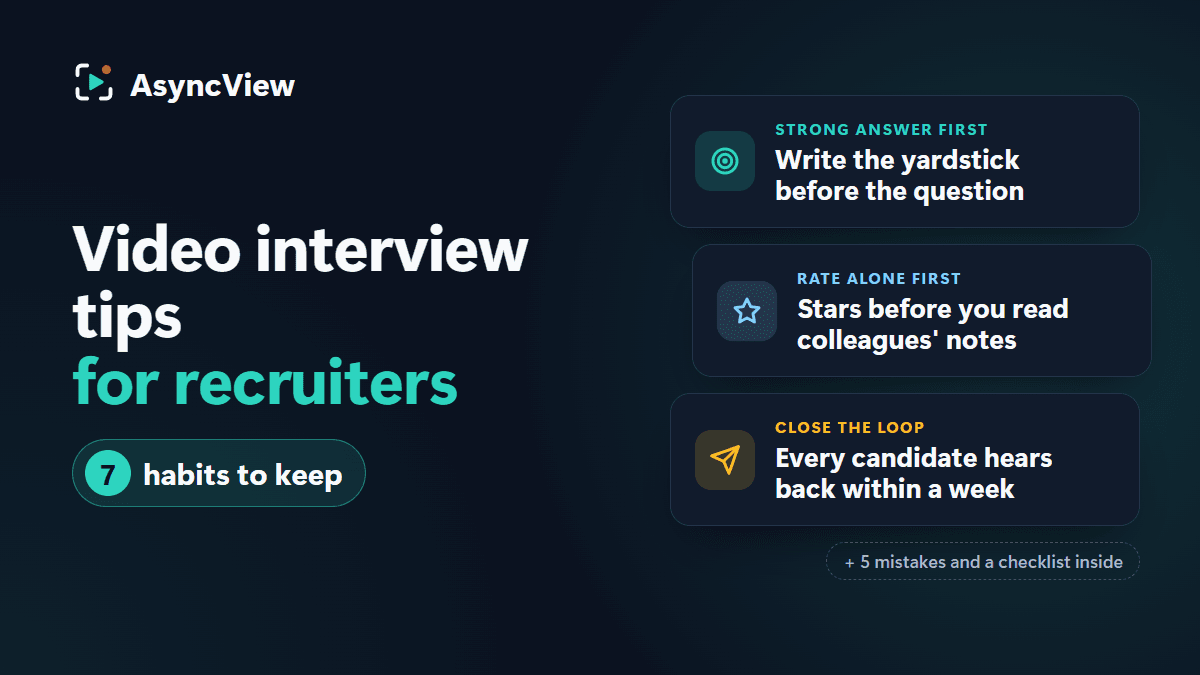
Seven recruiter-side habits, from writing the strong answer before the question to closing the loop with every candidate within a week, plus the mistakes that quietly ruin video screening and a checklist to keep open.
Read article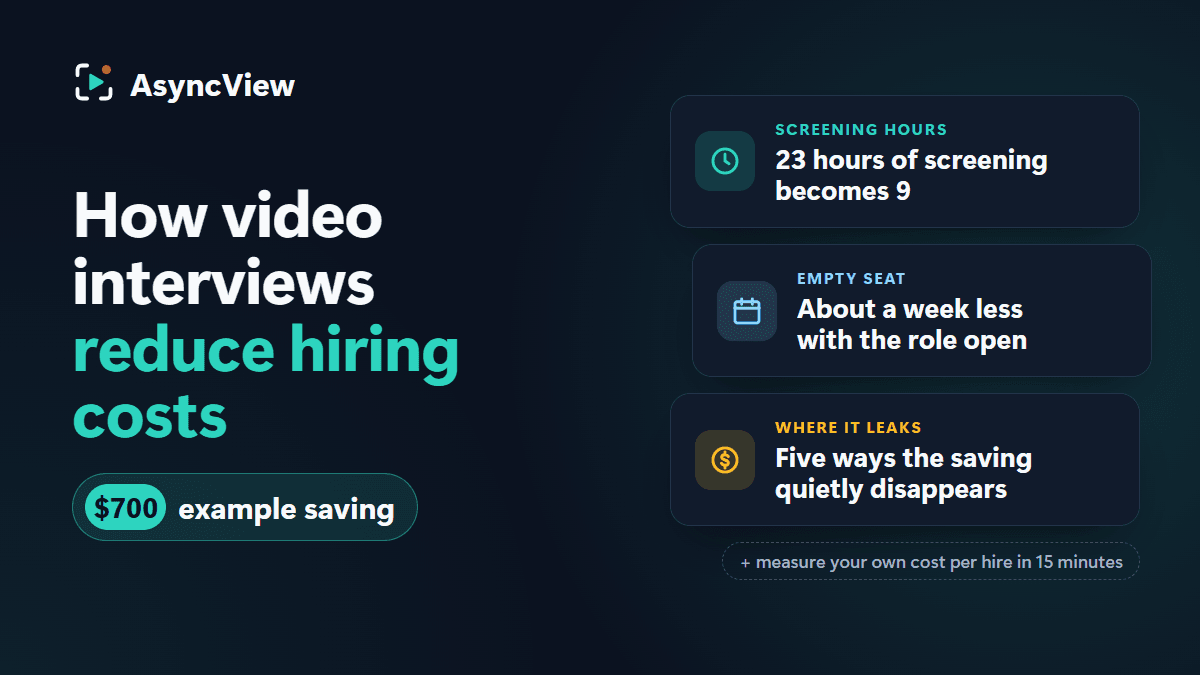
Admin
Where cost per hire actually goes, a worked calculation for one role with 30 candidates (phone screens vs one-way video, every assumption stated), five places the saving quietly disappears, and how to measure your own number in 15 minutes.
Read article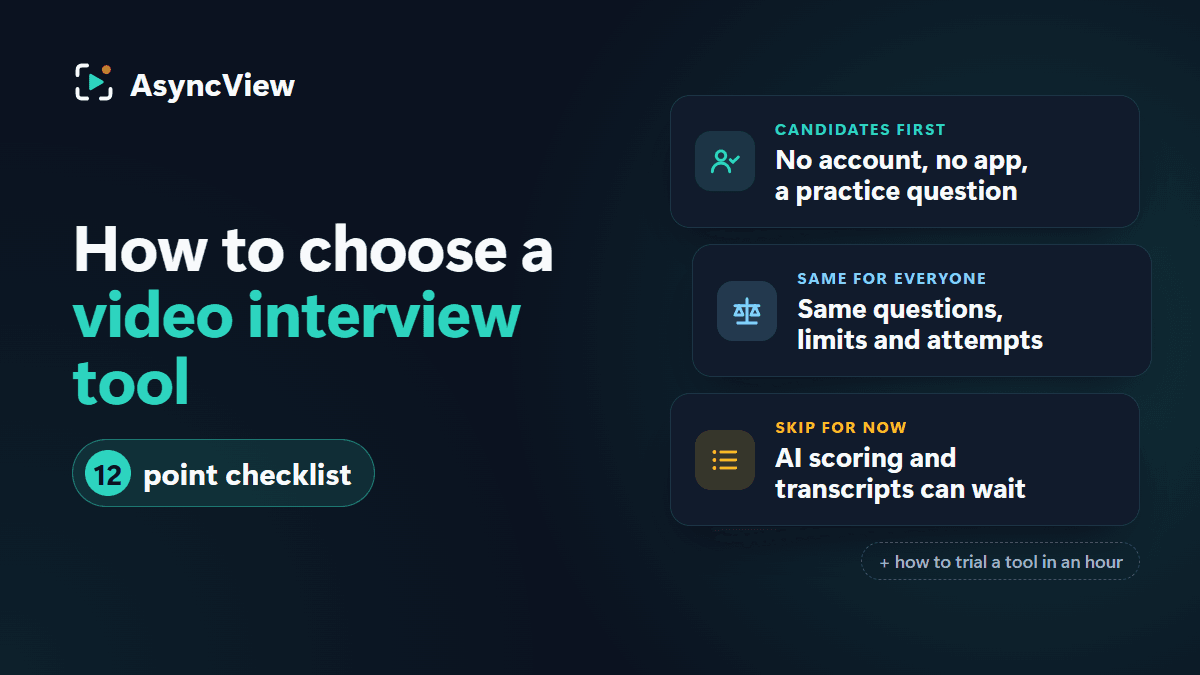
Admin
Feature lists are written to impress buyers, but candidates are the ones who use the tool. Twelve things to check, what to skip for now, and how to trial a tool in an hour.
Read articleScreen on video and share the best with a link. Try it free with 5 interviews, then pay for interviews, not recruiters.