The calendar fills up first
Ten candidates means ten slots, three or four reschedules and a week gone before you’ve heard from half of them.
Ask every applicant the same screening questions on video, without booking a single call. Candidates record when it suits them, and your team watches, rates and shortlists whenever it suits you.
A first-round call is 20 to 30 minutes of your time per person, plus the emails to book it. Most of what you learn could be learned from a few well-chosen questions.
Ten candidates means ten slots, three or four reschedules and a week gone before you’ve heard from half of them.
Questions drift, notes vary and the last call of the day gets less attention than the first. That makes candidates hard to compare.
The hiring manager relies on your summary. A second opinion means another call or a forwarded note.
Write your screening questions, set a time limit for each answer and send one private link per candidate. The answers come to you.
Save your screening questions once and import them into every new role. Up to 15 questions, 1 to 5 minutes each.
Recording stops on its own when time runs out, so answers stay focused and every candidate gets the same time.
Candidates test their camera and microphone and try an unrecorded practice question before the real thing.
A four-question screen with 2 to 3 minute answers takes about five minutes to watch at double speed.
Rate each answer from 1 to 5 stars, give an overall verdict from Strong yes to No, and leave notes for your team.
The hiring manager watches the candidate, not your summary of them, and every reviewer’s rating shows side by side.
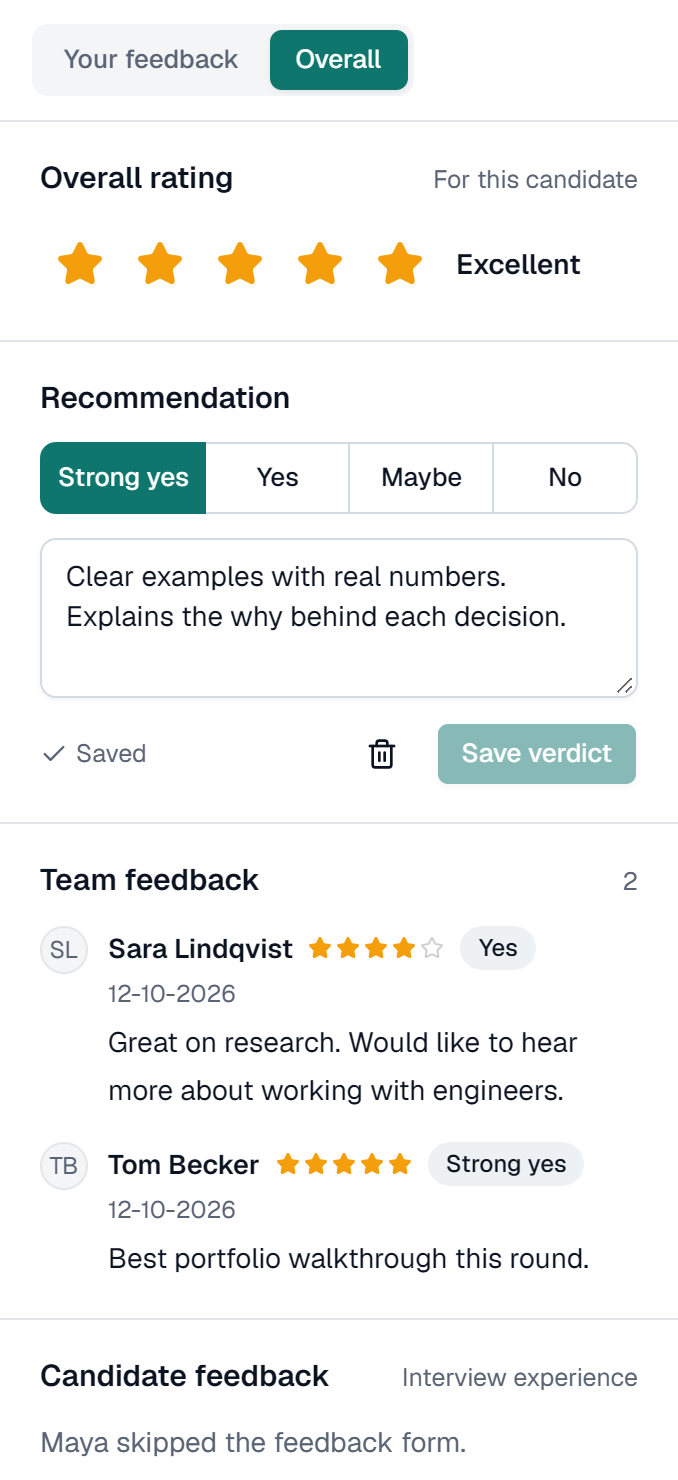
A real screen, shown with a demo company and invented candidates.
A good screening interview answers one question: is this person worth an hour of a hiring manager’s time? You don’t need a full interview for that. You need to hear how someone explains their experience, why they want the role and how they’d approach a situation that comes up in the job. Three to five questions cover it.
The difference from a phone screen is consistency. On a call, the questions drift with the conversation, and the fifth candidate of the afternoon gets a more tired interviewer than the first. On video, every candidate answers the same questions in the same order with the same time to think, and every reviewer watches the same answers. That makes it easier to compare people, and easier to explain why someone went through.
Keep the hard filters on your application form, where a yes or a no is enough: right to work, location, availability, salary range. Use the video for what a form can’t show. Then agree before anyone watches what a strong answer sounds like, rate each answer on its own, and only look at your colleagues’ ratings after saving yours.
Three to five screening questions with 2 to 3 minutes each. Import a saved set or write new ones.
Paste names and emails, choose when the link closes and send. Each person gets a private link by email.
Anyone who hasn’t submitted is reminded 48 and 24 hours before the deadline. You’re notified as answers arrive.
Watch, rate and compare, then shortlist the people you want to meet live in the next round.
A first-round interview recorded instead of held live. Candidates answer your screening questions on video, one question at a time, before a deadline. Your team watches the answers later, rates them and decides who goes through to the next round. It is also called one-way or asynchronous video interviewing.
Ones that show how someone thinks. Ask about real past situations (“Tell us about a time you…”), why the role appeals, and one question close to the day-to-day work. Leave yes-or-no facts, such as right to work or availability, to your application form.
40 example questionsThree to five. With 2 to 3 minutes per answer, that is 10 to 15 minutes of recording for the candidate and about five minutes of watching per person for you at 2×. Longer screens get fewer finished interviews.
No, each answer is recorded once. That keeps the conditions the same for everyone. Candidates can practise first with a question that is never recorded, and if a recording fails for a technical reason they can record that answer again.
It can be fairer than a call. Every candidate gets the same questions, the same time and the same chance to prepare, and chooses when to record. Agree what a good answer looks like before anyone starts watching, and offer another format to anyone who asks for one.
Reduce bias in video interviewsFree for your first 5 interviews. Each candidate you invite is one interview. Paid plans start with Starter at $19 a month for 40 interviews, with every interview and review feature and unlimited users on every plan.
See pricing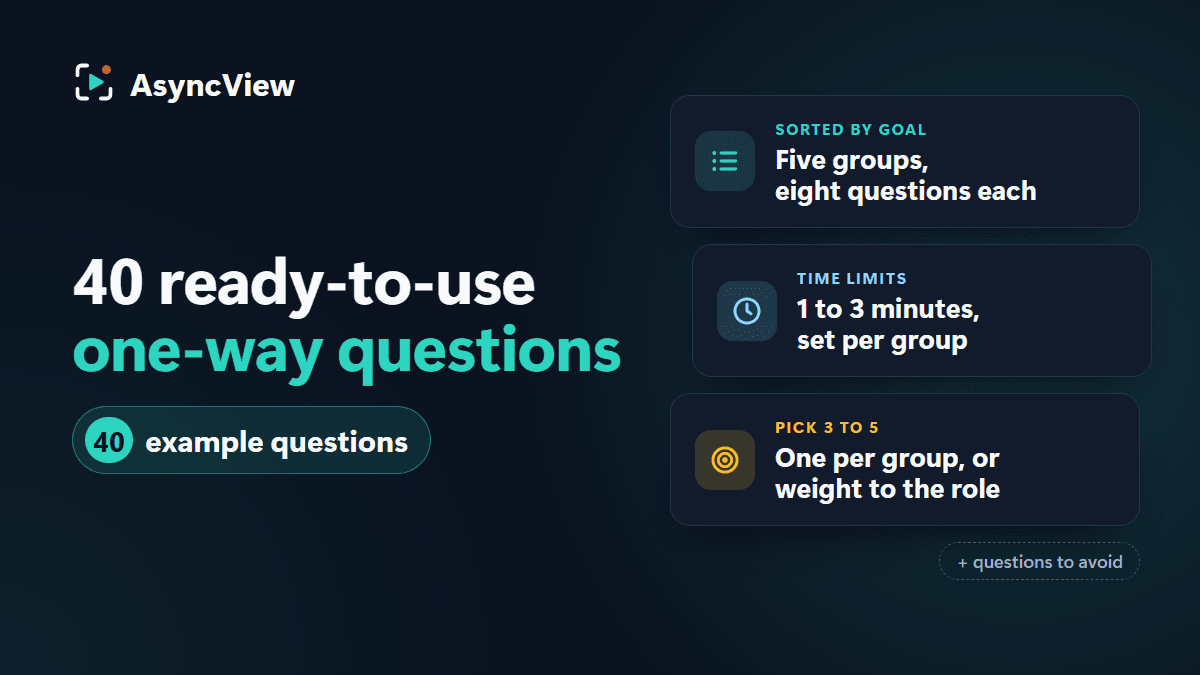
Admin
40 one-way interview questions sorted into five groups, with a time limit and a strong-answer line for each, plus how to pick three to five for your role and which questions to leave out.
Read article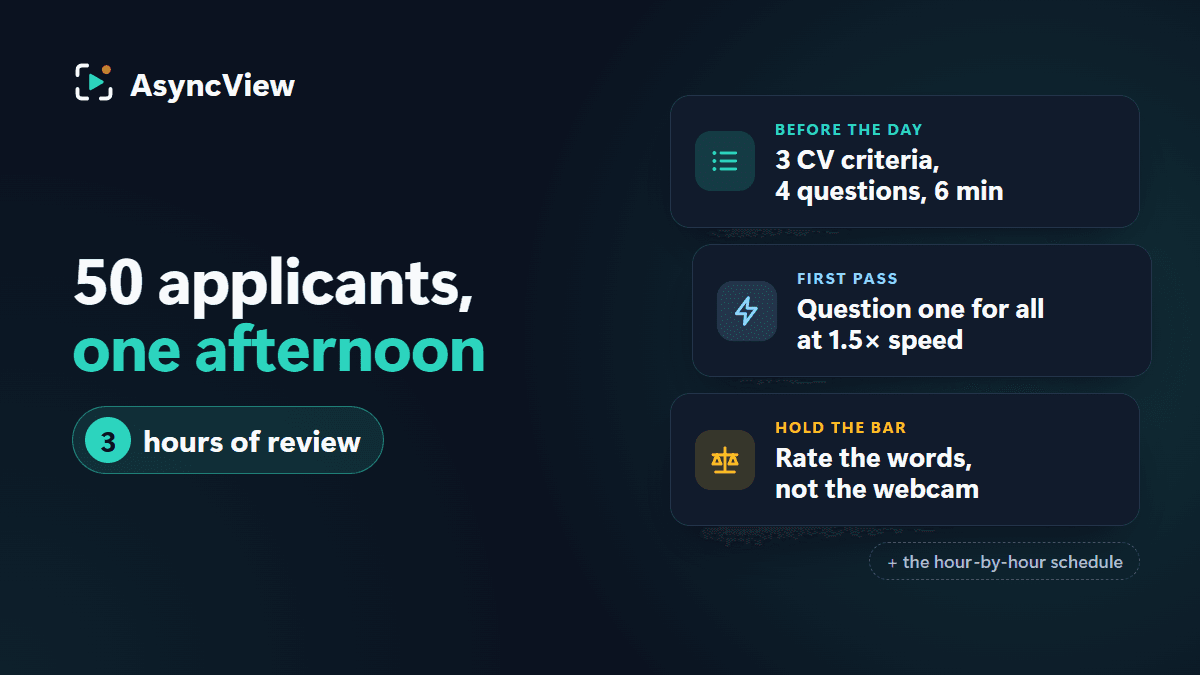
Admin
Fifty applicants, one afternoon, eight to meet by half past four. An hour-by-hour plan built on a six-minute one-way video interview, with the arithmetic and the rules that stop speed lowering the bar.
Read article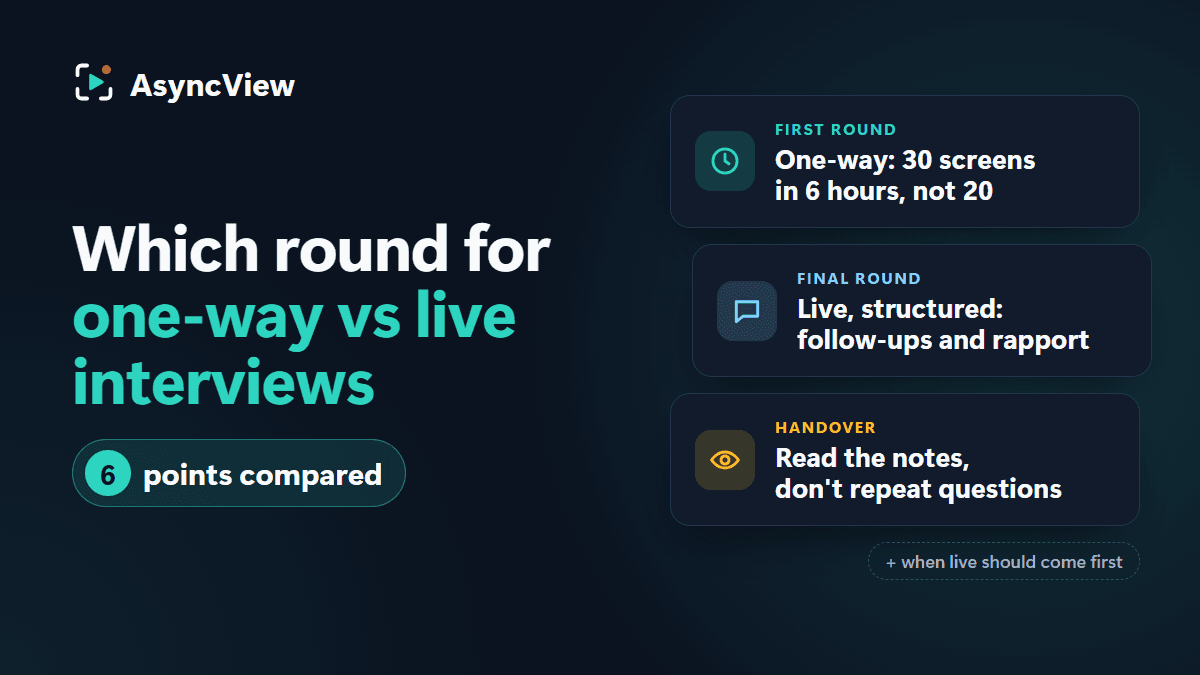
Admin
It's a sequence, not a contest. Six plain comparisons, a round-by-round recommendation, and how to hand over from a recorded round to a live one.
Read articleSet up your screening questions in a few minutes. The Free plan includes 5 interviews and needs no card.