Someone’s always awake at the wrong time
A 9am call in one city is 6pm in another and 3am in a third. Candidates take early or late slots to be helpful, and it shows.
When candidates and interviewers are spread across the world, nobody should join a call at midnight. Let candidates record when it’s daytime for them, and let your team review when it’s daytime for you.
Remote roles attract applicants from everywhere, and remote teams are spread out too. Finding one slot that works for a candidate and two interviewers can take longer than the interview itself.
A 9am call in one city is 6pm in another and 3am in a third. Candidates take early or late slots to be helpful, and it shows.
Getting two or three distributed reviewers into one live call means even fewer slots, so first rounds get pushed back.
A dropped call or a frozen screen hurts a live interview. It says nothing about how good someone is at the job.
Candidates record in their own time before a deadline you set. Your reviewers each watch when they’re working, and the feedback comes together in one place.
Candidates open their link whenever it suits them before the deadline, wherever they are.
Camera, microphone, connection and browser are checked first, so connection problems show up before the real questions.
Each reviewer rates on their own time, and everyone sees each other’s ratings and notes side by side.
Send a hiring manager or a colleague in another office a private link to watch, with no account, open for 3 to 30 days.
If a candidate’s internet went down, move their deadline to a later day and the same link works again.
Everyone on the team gets an email and an in-app alert when answers are ready, whatever their working hours.
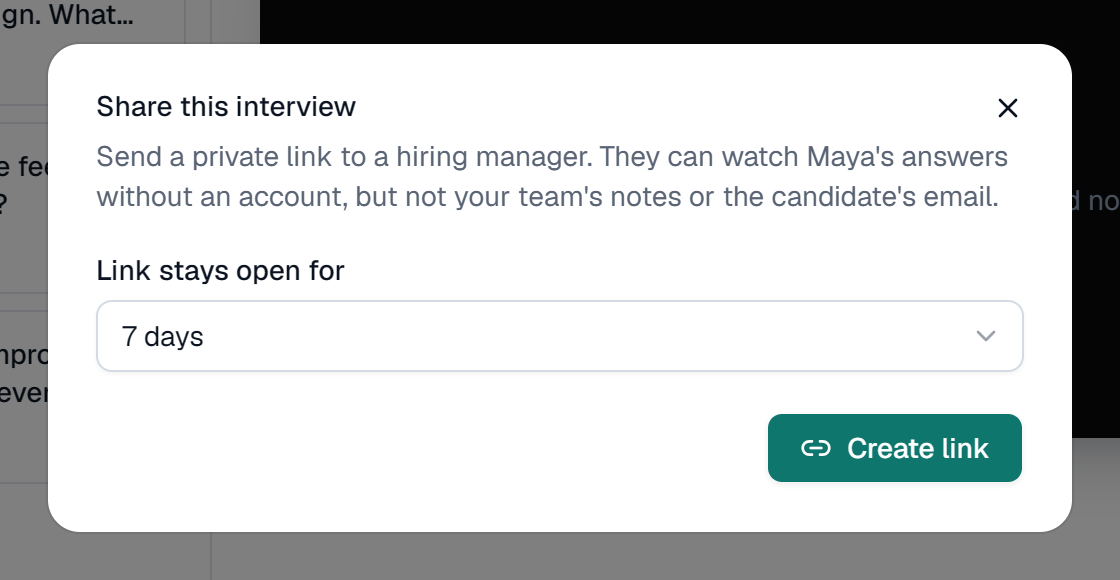
A real screen, shown with a demo company and invented candidates.
Remote teams already work asynchronously: written updates, recorded demos, comments instead of meetings. A live first-round call is often the one part of the hiring process that still forces everyone online at the same moment, and across time zones that moment is rarely a good one for everybody.
A one-way video interview removes the need for an overlap. The candidate records when it suits them, the deadline gives them a week to find a quiet hour, and each reviewer watches during their own working day. Feedback collects in one place, so a hiring manager in one country and a team lead in another can compare their ratings without meeting first.
It also tests something useful. Remote work depends on clear communication without someone in the room, and a recorded answer shows how a person explains things when they have a minute to think and nobody to prompt them. Save the live conversation for the final round, when it is worth the effort of finding a time that works for everyone.
In the interview description, tell candidates they can record at any time before the deadline, and roughly how long it takes.
Seven days covers weekends and different working weeks, so nobody has to rush across time zones.
Each reviewer watches and rates in their own hours. Share a link with anyone who isn’t a user.
Save the live call for the final round, when it’s worth finding a time that works for everyone.
Nobody needs to be online at the same time. Candidates record before a deadline, at a time that suits them, and your reviewers watch at times that suit them. You skip the hardest part of remote hiring: finding a slot that works in three time zones.
About a week. Seven days lets people fit the interview around their current job and their own weekend, wherever that falls. You can give anyone more time later.
The device check catches most problems first. It tests the connection before anything is recorded. If a recording fails, the candidate can record that answer again, and if they close the page they pick up where they left off in the same browser.
Yes, as users or through a share link. Add colleagues as users, with no per-seat fees, so they can rate and leave notes. To show answers to someone who just needs to watch, send a private share link instead.
How share links workHow they work when nobody is watching. Ask how they plan their day, how they keep others up to date and how they handled a problem without help. Written and spoken communication matter more in a remote team, and video shows both.
No. Interviews run in an up-to-date browser on a laptop or phone, with no app and no account.
Admin
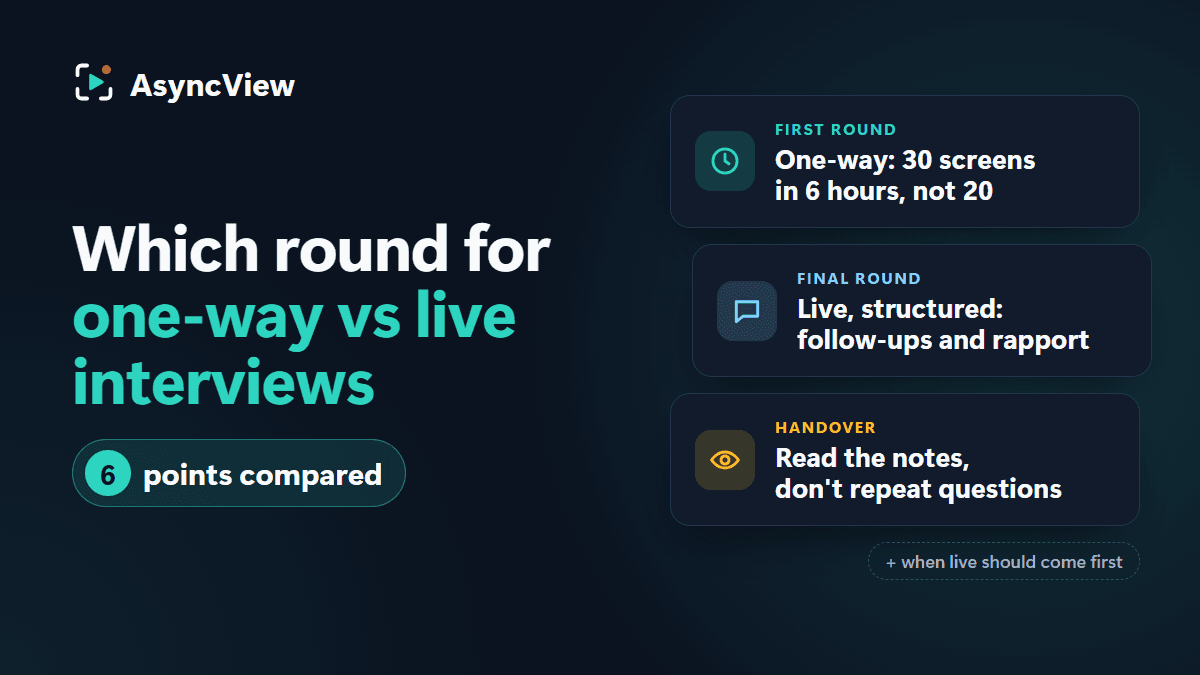
It's a sequence, not a contest. Six plain comparisons, a round-by-round recommendation, and how to hand over from a recorded round to a live one.
Read article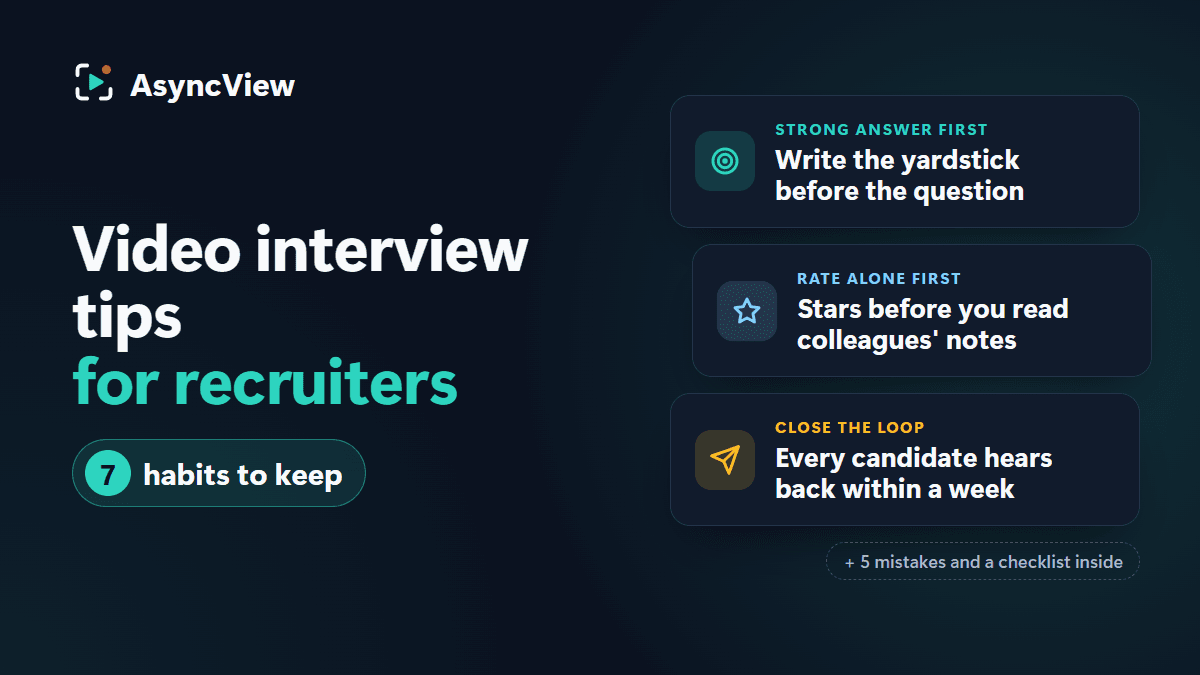
Admin
Seven recruiter-side habits, from writing the strong answer before the question to closing the loop with every candidate within a week, plus the mistakes that quietly ruin video screening and a checklist to keep open.
Read article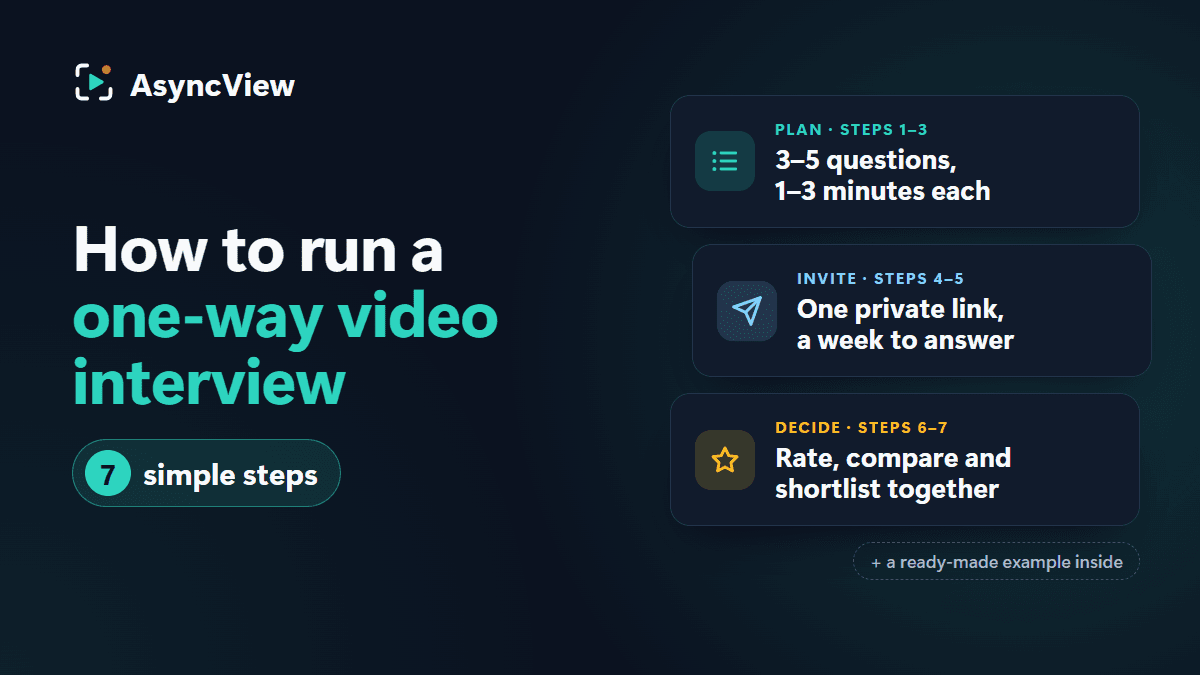
Admin
Everything you need to run your first one-way video interview: how it works on both sides, seven steps from blank page to shortlist, a ready-made example and the mistakes to avoid.
Read articleCandidates record when it’s daytime for them; your team reviews when it’s daytime for you. Try it free with 5 interviews.