Good people wait, then leave
Strong applicants for hourly and entry-level roles take the first reasonable offer. A week of calls is a week they’re hearing from someone else.
When a role draws dozens of applicants, you can’t call them all. Send everyone the same short video interview, and spend your time on the answers instead of the calendar.
Support, retail, hospitality, sales and seasonal roles often bring in far more applicants than a team can phone. Something gives, and it’s usually the candidates near the bottom of the pile.
Strong applicants for hourly and entry-level roles take the first reasonable offer. A week of calls is a week they’re hearing from someone else.
For customer-facing roles, how someone explains and listens matters more than what’s on paper. A CV screen can’t show that.
Booking, rescheduling and reminding by hand turns hiring into admin, and the admin grows with every applicant.
Set it up once per role, invite your whole list and let the reminders do the chasing. Then work through the answers in short sessions.
Paste names and emails, one per line or straight from a spreadsheet. Duplicates are skipped, and everyone gets their own private link.
Anyone who hasn’t submitted gets an email 48 and 24 hours before the deadline. You never send a nudge yourself.
Many applicants for hourly roles only have a phone. They record in the browser, with no app and no account.
See how many are invited, in progress and completed, and filter and search to find the next person to review.
Watch at up to 2× and move between questions with the arrow keys, so a session of reviews goes quickly.
Give someone a later deadline in a few clicks, even after their link has closed. The same link works again.
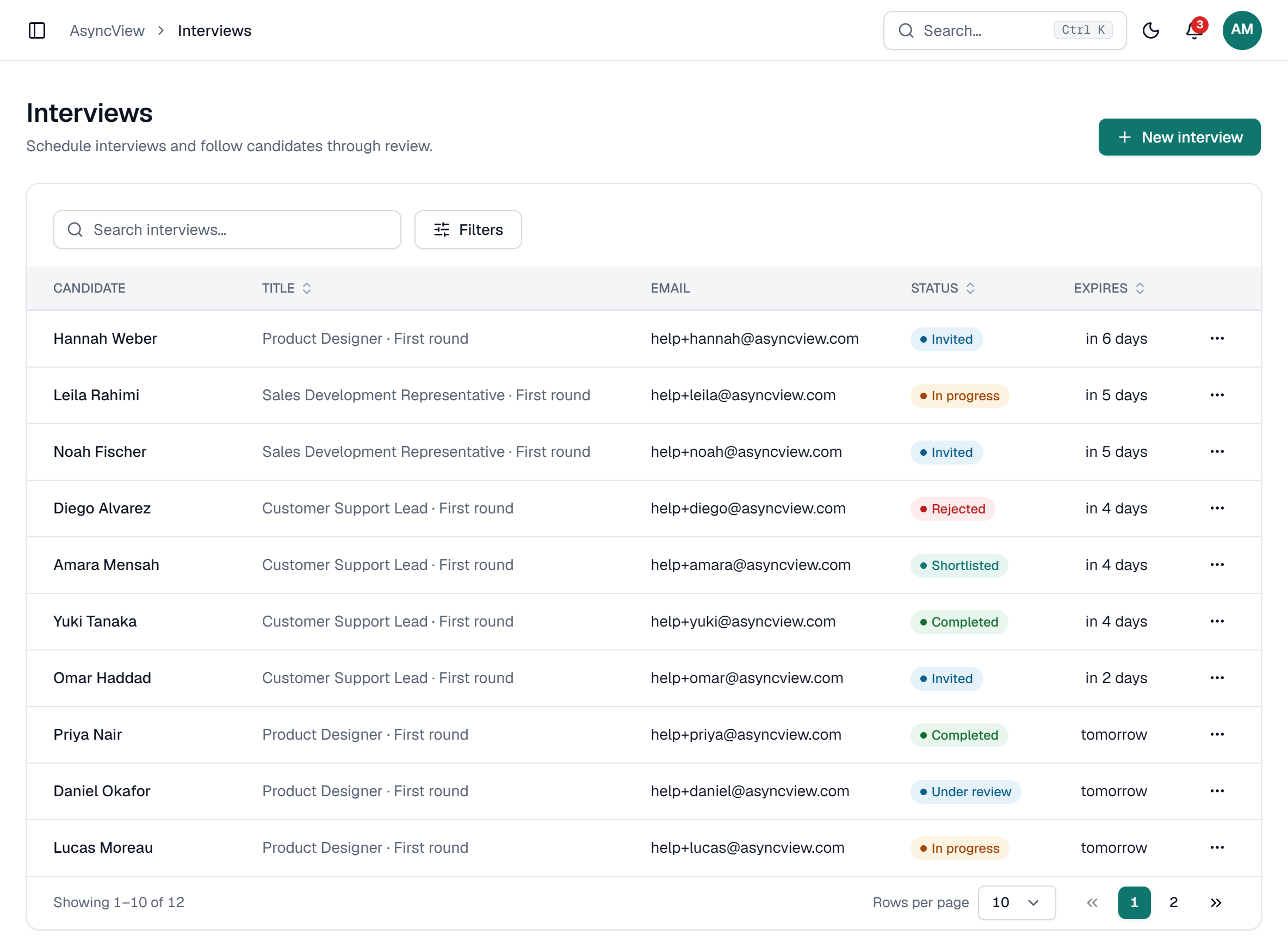
A real screen, shown with a demo company and invented candidates.
With five candidates, a first round is a few calls. With fifty, it is a week of calendar admin, and the candidates you reach last are often the ones who have already accepted something else. In high-volume hiring, speed and consistency matter more than depth in the first round.
A one-way video interview turns that week into a few short review sessions. Everyone gets the invite on the same day, everyone answers the same short set of questions, and reminders go out before the deadline without anyone sending them. Your team watches at up to double speed, rates each answer and moves the strongest people forward the same day they submit.
Keep the interview short and practical. For customer-facing roles, ask how they’d handle a difficult customer, what good service means to them and why this job appeals. Two minutes per answer is plenty. Give a deadline of two or three days for hourly roles, where good applicants move fast, and tell everyone the outcome promptly: in high-volume hiring, the people you turn down today may be the people you hire next season.
Three or four questions of 2 minutes each. For hourly roles, a 10-minute interview gets far more finished than a 30-minute one.
Paste everyone who passed your application form and give them two or three days. Shorter deadlines suit roles where people move fast.
Watch new answers in a short session each day instead of all at once. The dashboard shows who is waiting.
Shortlist as you go and contact strong candidates the same day. Let everyone else know too: nothing is sent automatically.
As many as your plan has left. There’s no fixed limit per batch. Each candidate counts as one interview: the Free plan includes 5 in total, and paid plans include up to 120 a month. A batch bigger than what’s left is refused as a whole, so you can trim it first.
See plansAbout 10 minutes for the candidate. Three or four questions of 2 minutes each, plus the device check and practice question, is enough to judge communication and motivation. Every extra question costs you finished interviews.
Two or three days. People applying for hourly work often apply to several jobs and take the first good offer. A short deadline keeps your interview near the top of their list, and you can always give anyone a later deadline.
Yes. Interviews run in the phone’s browser, with nothing to install. Candidates should start and finish on the same device, because their progress is saved in that browser.
No. Your team watches and rates every answer. Use your application form to filter out anyone who doesn’t meet a hard requirement before you invite them.
Yourself, by email. AsyncView doesn’t send outcome emails. Reject them in the app to keep your pipeline tidy, then send a short, kind note. Hearing back quickly matters most in high-volume hiring, where people are applying elsewhere.
Admin
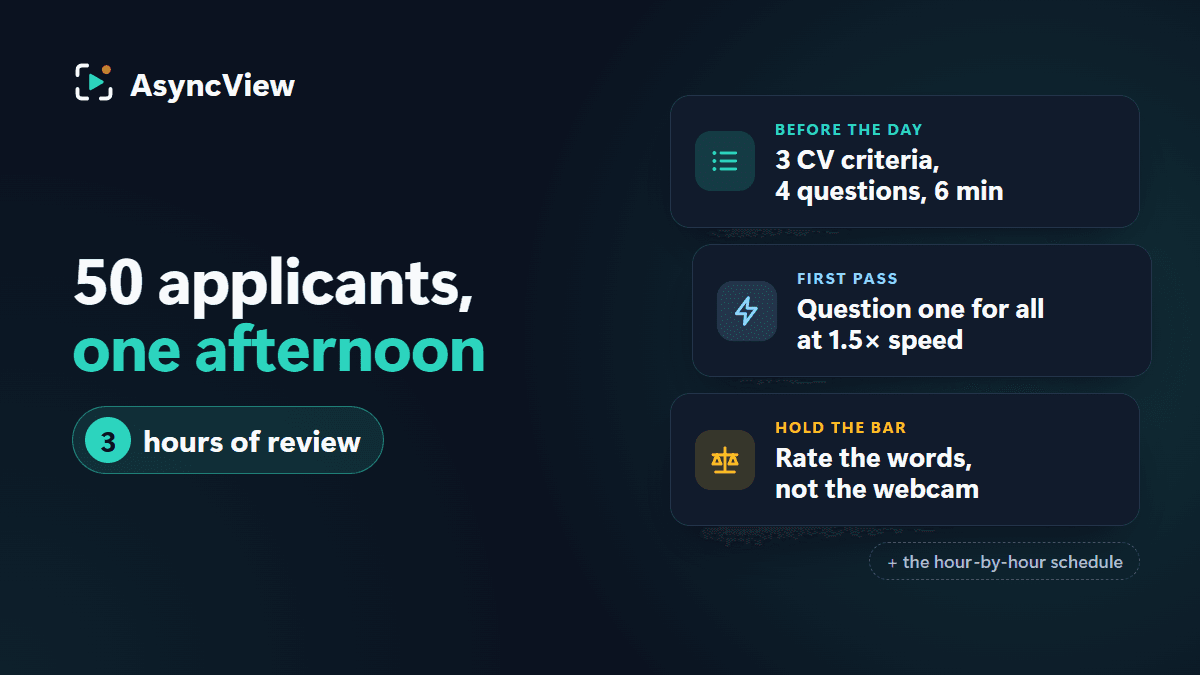
Fifty applicants, one afternoon, eight to meet by half past four. An hour-by-hour plan built on a six-minute one-way video interview, with the arithmetic and the rules that stop speed lowering the bar.
Read article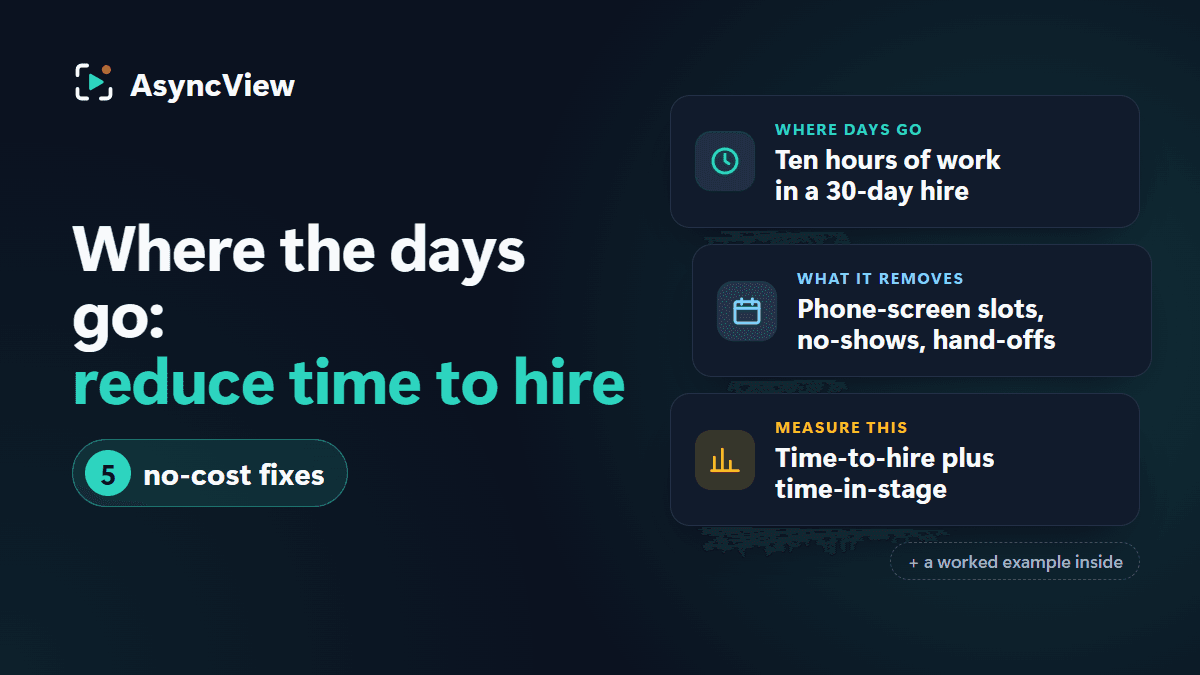
Admin
Most of a 30-day hire is waiting, not interviewing. Here's where the days go, which ones a one-way video interview removes (and which it doesn't), and five changes that cost nothing.
Read articleSet up a short interview, paste your list and let the reminders work. The Free plan includes 5 interviews to try it.