How to choose a video interview tool: a checklist for small hiring teams
Feature lists are written to impress buyers, but candidates are the ones who use the tool. Twelve things to check, what to skip for now, and how to trial a tool in an hour.
Put any two video interview tools' feature pages side by side. Both will list AI, integrations, analytics and a dozen things you've never heard of. Neither will tell you the one thing that decides whether the tool works: whether candidates actually finish the interview.
That's the trap for a small hiring team choosing its first video interview tool. The feature list is written to impress the buyer, but the product is used mostly by candidates, and a tool they abandon halfway is worth nothing.
So this guide begins where the candidate sits and works back to your desk, with a 12-point checklist to take into your trial. We make AsyncView, so we're not neutral, but it should be useful whichever tool you end up with.
Start where the candidate sits
A one-way video interview asks someone to record answers alone, with nobody on the other end. That already takes a bit of nerve. Every hurdle the tool adds, a sign-up form, an app to install, a confusing start screen, is a reason to close the tab. Check these five things before anything else.
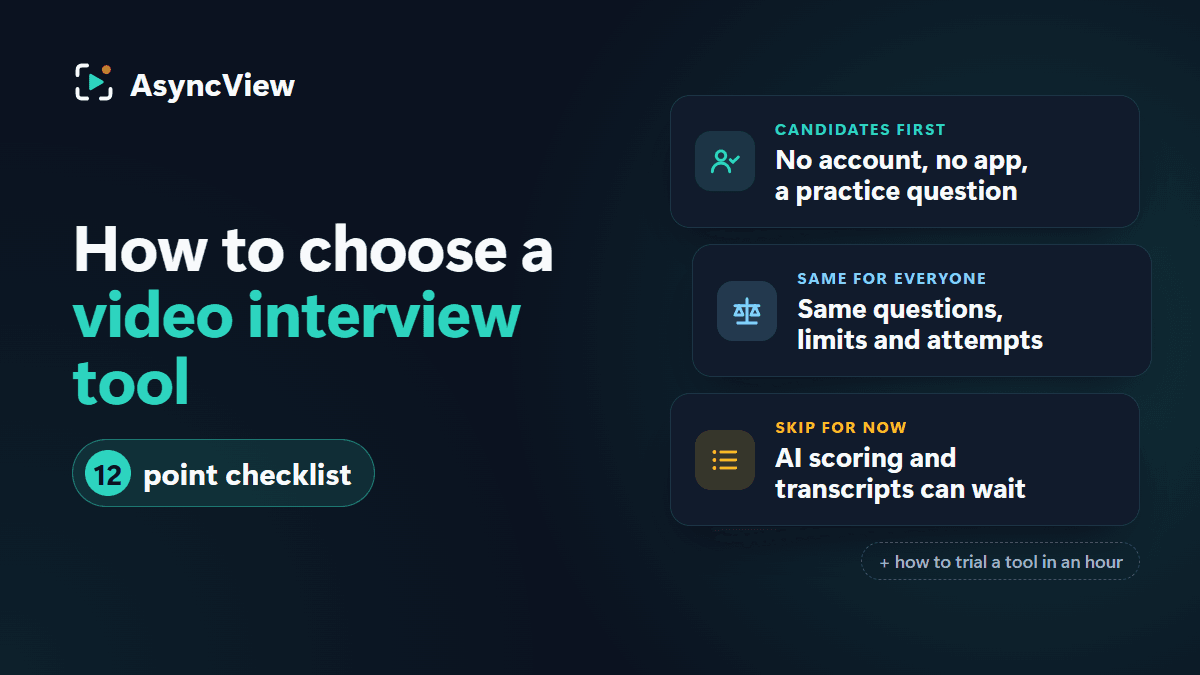
Nothing to sign up for, nothing to install. The candidate should go from the email to recording within a couple of minutes. A registration form or a download means drop-off, particularly from people squeezing this into a lunch break.
A set-up check. Camera, microphone and connection tested before anything is recorded. Otherwise the first thing your reviewers hear is silence.
A practice question. A warm-up that is never recorded or shared means the first answer that counts isn't also the candidate's first go in front of a lens. It takes the edge off.
Clear time and deadline up front. Before pressing start, the candidate should see which role it's for, the question count, a rough duration and the closing time.
Works on a phone. Plenty of candidates will record on their phone, in the browser, because it's the camera they have. Test it on a phone yourself rather than trusting the brochure.
Two more that are easy to miss: a reload halfway through should resume at the next unanswered question, not start again, and a confirmation email should follow submitting. Our tips for candidates post shows the whole thing from their side.
Then the team side: what you'll use every week
Once candidates can get through the interview, the question is whether your team can get through the reviewing. Thirty candidates with four two-minute answers each is up to four hours of video. The tool should make that quicker and fairer, in roughly this order.
Separate ratings for each reviewer. Every reviewer should give their own score per answer, not edit one shared score. Then make it a team rule to rate before reading what colleagues thought: if the first person's four stars steer the second, you've got one opinion with two signatures. AsyncView puts your own rating form above the team's feedback, which helps.
Side-by-side feedback. After that, everyone's stars, recommendations and notes next to each other, so the only candidates you spend meeting time on are the ones you disagree about.
Saved question sets. You'll hire for the same role again. Writing the questions once and importing them next time saves an hour and keeps the questions consistent.
Reminders and deadline extensions. Chasing candidates is the admin a one-way interview is supposed to remove. Reminders should go out before the deadline on their own, and adding a few days for one candidate shouldn't mean rebuilding the interview.
Keyboard shortcuts and playback speed. Trivial until the thirtieth candidate. Playback at 1.5× and arrow keys between answers is the difference between an afternoon and a morning.
Fairness and privacy questions to ask
You're asking people to send you recordings of their face and voice. Put these to the vendor in writing.
Does every candidate get the same questions and limits? Same questions, same time per answer, same number of attempts. Tools that give some candidates a second attempt and others not, or let a reviewer tweak a question mid-round, make comparison unfair without anyone intending it. AsyncView gives one take per answer, deliberately, for this reason. There's more on this in reducing bias in one-way video interviews.
Who can see the recordings? Only users in your company. Ask whether links to recordings can be forwarded and whether they expire. In AsyncView they expire after an hour.
Where are they stored? Private storage, not a public bucket with a long URL. A good vendor has a short, clear answer.
How long are they kept, and can you delete them? You'll need to tell candidates this in your privacy notice, so you need to know it.
What you probably don't need yet
For a team of 10 to 200 people hiring a few roles a quarter, leave these until you genuinely feel the lack of them.
AI scoring. A model ranking candidates by what they said, or how they said it, is hard to explain to a rejected candidate and harder to defend if someone asks what it was trained on. At your volume, a person watching four two-minute answers is quicker, easier to justify and better at the job.
Transcripts. Useful if you're searching across hundreds of interviews. For thirty, you'll watch them anyway, and a transcript invites skimming the words without hearing the person.
ATS integrations. If your recruiters live in a well-used applicant tracking system, this matters, and we'll come back to it. If your "ATS" is a spreadsheet and a shared inbox, pasting your candidates' details straight into the tool is enough.
Analytics dashboards. Completion rates and time-to-hire charts are nice, but with a handful of roles you can see the same numbers by counting.
To be plain about it: AsyncView has none of these. No AI scoring, no transcripts, no integrations, no dashboards. That's a choice about what a small team needs, not a gap we're hoping you won't notice. You'll learn the features in an afternoon, and nothing in the product nudges you towards a decision a person hasn't made.
Pricing questions worth asking
Video interview software pricing varies more than the products do.
What does the free tier actually limit? Interviews, candidates, team members, storage time? Find out before you hit it mid-hire.
Per seat or per interview? Per-seat pricing punishes you for involving hiring managers in reviewing, which is the thing you want to encourage.
What's the minimum term? A 12-month contract for a tool you'll use for three hires is a bad bet. Monthly, or free until you need more, is what you want while you're learning.
What happens to recordings if you leave? Can you download them, how long do you have, and are they deleted afterwards? Ask before you've uploaded fifty candidates' faces.
AsyncView costs nothing to start, and the usage limits are visible inside the product, so a real hire can run before you decide anything.
The 12-point video interview tool checklist
Tick these off as you trial.
Candidates don't register or install anything.
There's a camera, mic and connection check before recording.
An unrecorded practice question comes first.
The start page says how many questions, how long and the closing time.
It works in a phone browser.
Every candidate gets identical questions, limits and attempts.
Each reviewer rates separately, then sees feedback side by side.
Question sets can be saved and reused by the whole team.
Reminders go out automatically; deadlines extend in a click.
Playback speed and keyboard shortcuts for reviewing.
Recordings are private, links expire, and you know how long they're kept.
Pricing doesn't charge per reviewer, and you know what happens to recordings if you leave.
How to trial a tool properly
A demo tells you what the salesperson wants to show you. An hour of your own time tells you the truth.
Send yourself an interview. Three real questions from a role you're hiring for, real time limits, a deadline a few days out. Open it on your phone and record as a candidate would, set-up check included.
Invite a colleague. Ideally the hiring manager who'll be reviewing. Have them record too, then ask how it felt.
Review it together. Rate each other's answers separately, without peeking, then compare the feedback side by side. Is it obvious where you disagree?
Time the whole thing. From creating the interview to a decision. If two people took more than an hour, imagine thirty candidates.
Our step-by-step playbook has a ready-made interview to borrow for the trial, and there are screenshots of both ends of the process on how it works.
Red flags
No trial without a sales call. If the product were good, they'd let you use it.
Candidates must register. Nothing says "built for the buyer" more clearly.
One shared score per candidate. If reviewers can't rate separately, you'll never see where they disagree. Groupthink, built in.
Vague answers on storage and retention. "Enterprise-grade security" doesn't answer "where are the files and when are they deleted?"
The pitch leads with AI. Ask what it does with a candidate's accent. If the answer is long, keep walking.
When a bigger platform is the right call
If you're screening thousands of applicants a month for a call centre or a graduate scheme, you'll want bulk tooling, automated routing and probably some scoring help, with the legal review that goes with it. If your company runs on a well-established ATS, a video interview tool that doesn't push candidates back into it creates double entry, and you should pay for one that integrates. And if you're hiring senior or specialist roles where candidates expect a conversation, you may not need a one-way video interview tool at all; see one-way vs live video interviews for where each fits.
For a team hiring a few roles at a time, the simpler tool is usually the better one.
Frequently asked questions
What is a video interview tool?
Software that lets candidates record answers to your questions on video, usually through a link in their browser, and lets your team watch, rate and discuss those answers later. Most tools built for early screening are one-way: nobody is on the call while the candidate records.
One-way or live video interview software: what's the difference?
Live video interview software is a video call with scheduling and note-taking bolted on. One-way video interview software replaces the call with recorded answers to set questions, so candidates record whenever works for them and reviewers watch in their own time. Most teams use one-way for the first round and a live call for the final one.
Do I need AI in a video interview tool?
Not at small-team volume. A person watching a handful of short answers is quicker, easier to explain to candidates and less likely to land you in trouble. Screening thousands a month is a different conversation.
How much should video interview software cost?
For a small team, little or nothing while you're starting out. Look for a free tier that covers a real hire, pricing that doesn't charge per reviewer, and no annual contract until you know you'll use it.
How long does setup take?
With a browser-based tool, under half an hour for a first interview: draft three to five questions, set time limits and a deadline, add your candidates. If setup needs a kick-off call and an implementation plan, the tool is built for a bigger company than yours.
Whatever you're comparing, don't buy from the feature list. Send yourself an interview, record on your phone and ask a colleague to rate you. An hour of that tells you more than any demo, and it's how we'd suggest you start with AsyncView.