A one-way video interview means you answer the employer's questions on video, in your own time, before the deadline. There's nobody on the other end of the call. You don't need an account or an app.
app.asyncview.com
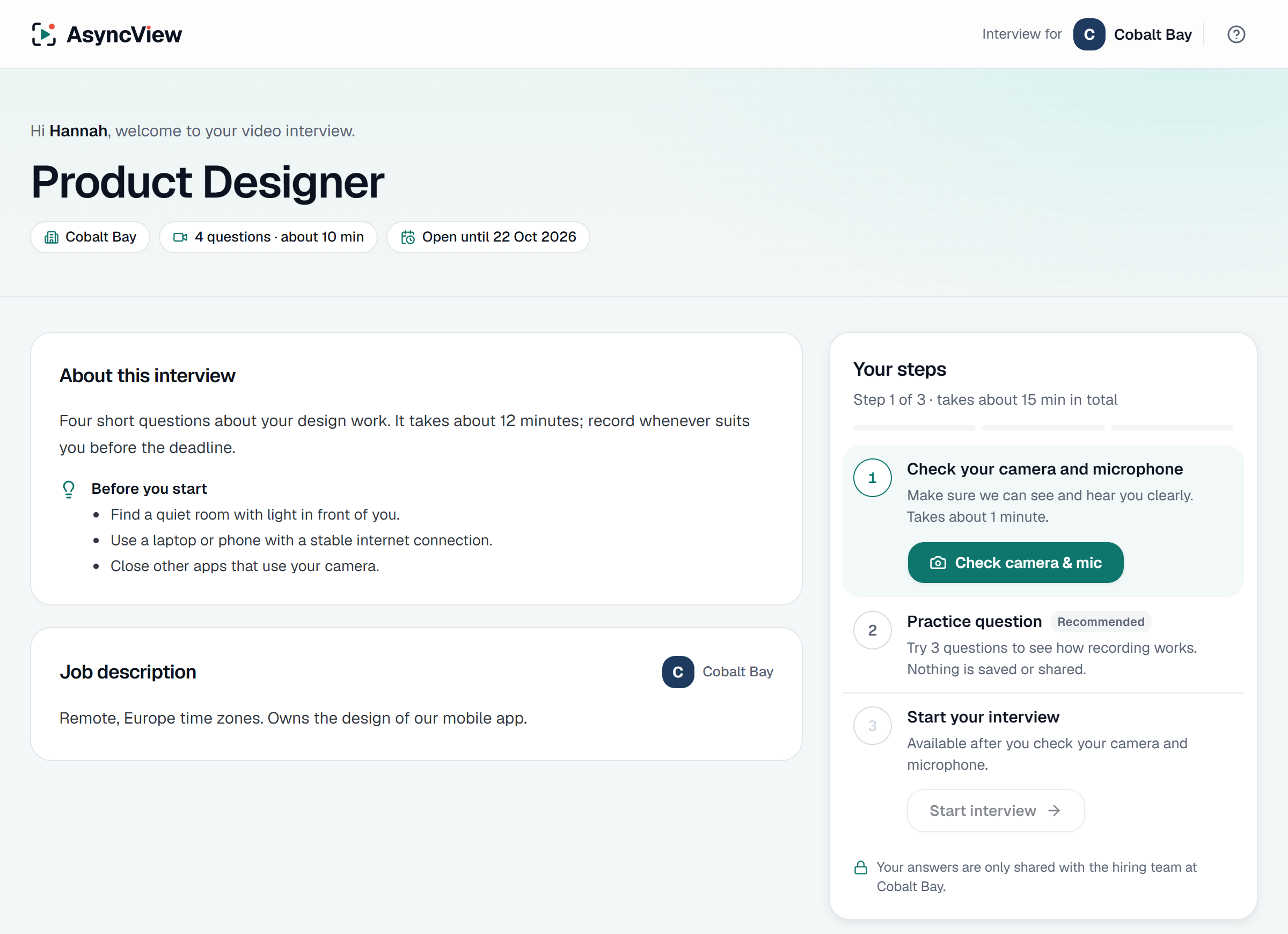
- Open the email "You're invited to an interview at…" and click Start your interview.
- Check your camera and microphone. Click Check camera & mic and allow access when your browser asks. It checks your camera, microphone, connection and browser.
- Try the practice question (recommended). Nothing is saved or shared.
- Click Start interview. Each question appears one at a time, with a 5-second countdown before recording starts.
- Answer. A Time left clock counts down. It turns amber at 30 seconds and red at 10, and recording stops on its own when time is up.
- Click Next question, and at the end Submit interview.
Each answer is recorded once. After you move to the next question you can't watch it back or record it again, so take a breath before each one.
After you submit, you'll get an email confirming the employer has your interview. The employer then contacts you about next steps.
Tips
- Find a quiet room with light in front of you, not behind.
- Use a laptop if you can; a phone works too.
- Stay on the interview tab. Switching tabs while answering is noted for the employer.
Want to try first? The practice interview (opens in a new tab) is the same screen with sample questions. For more advice, read our one-way interview tips.