The sidebar
| Item | What it's for |
|---|---|
| Dashboard | Totals, your pipeline and what needs attention |
| Jobs | The roles you're hiring for |
| Interviews | One row per invited candidate, with their status |
| Question sets | Saved questions you can reuse |
| Users | Your team |
| Settings | Profile, password, notifications, branding and billing |
The dashboard
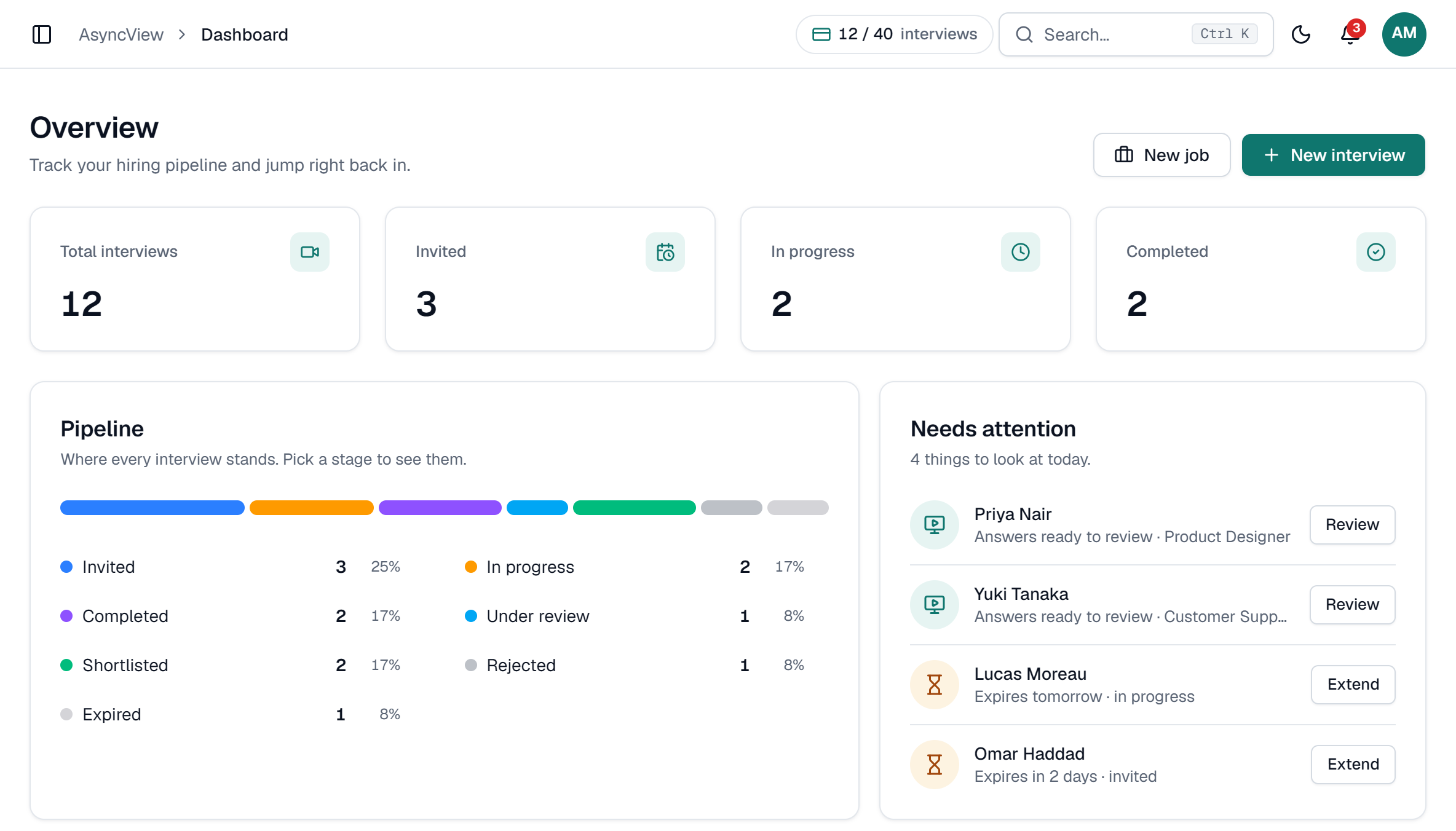
- Total interviews, Invited, In progress and Completed at the top.
- Pipeline: how many candidates are at each status.
- Needs attention: completed interviews waiting for review (Review) and open invites that expire within 3 days (Extend).
- Recently created and Recently completed interviews.
app.asyncview.com
Search and jump anywhere
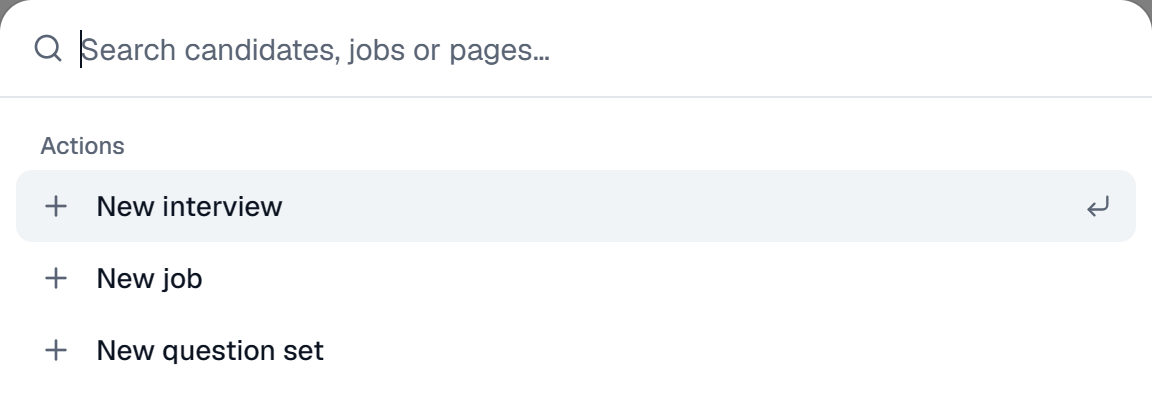
Press Ctrl + K (or ⌘ + K on a Mac), or click the search box at the top. Type a candidate's name, a job or a page. From there you can also start a New interview, New job or New question set.
The usage pill at the top shows how many interviews your plan has left. The bell shows your notifications.