| Status | Meaning |
|---|---|
| Draft | Still being set up. Can't take interviews. |
| Published | Open. You can create interviews for it. |
| Paused | On hold. No new interviews. |
| Closed | Hiring is finished. No new interviews. |
| Archived | Kept for the record, out of the way. |
app.asyncview.com
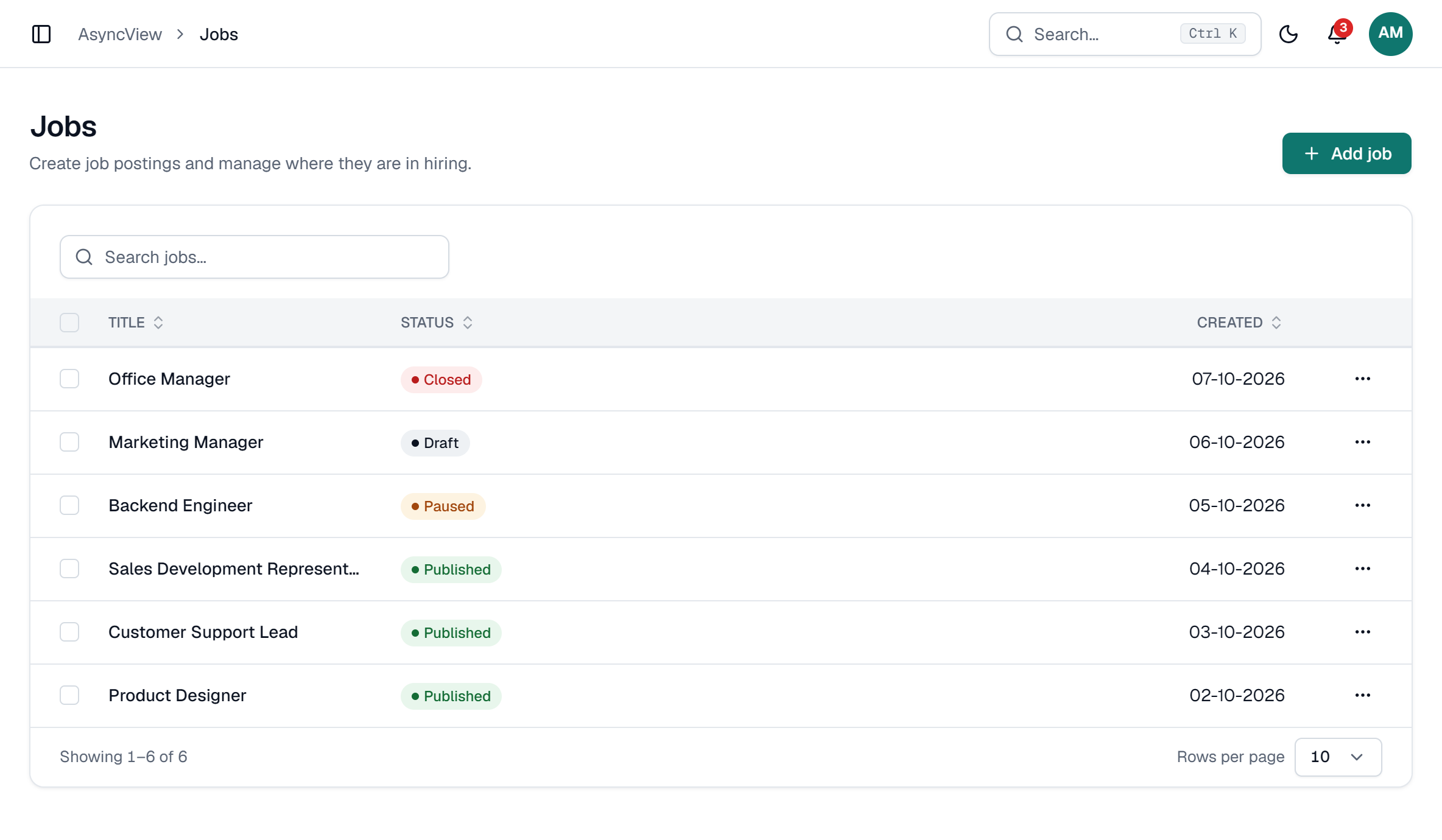
Change a job's status
- On the job's page, click the status badge and pick a new one.
- On Jobs, select one or more rows and use Set status.
- Or open Edit and change Status.
Any status can change to any other, so you can reopen a closed job.
Changing a job's status never touches invites you've already sent. Candidates can still record until their own deadline.